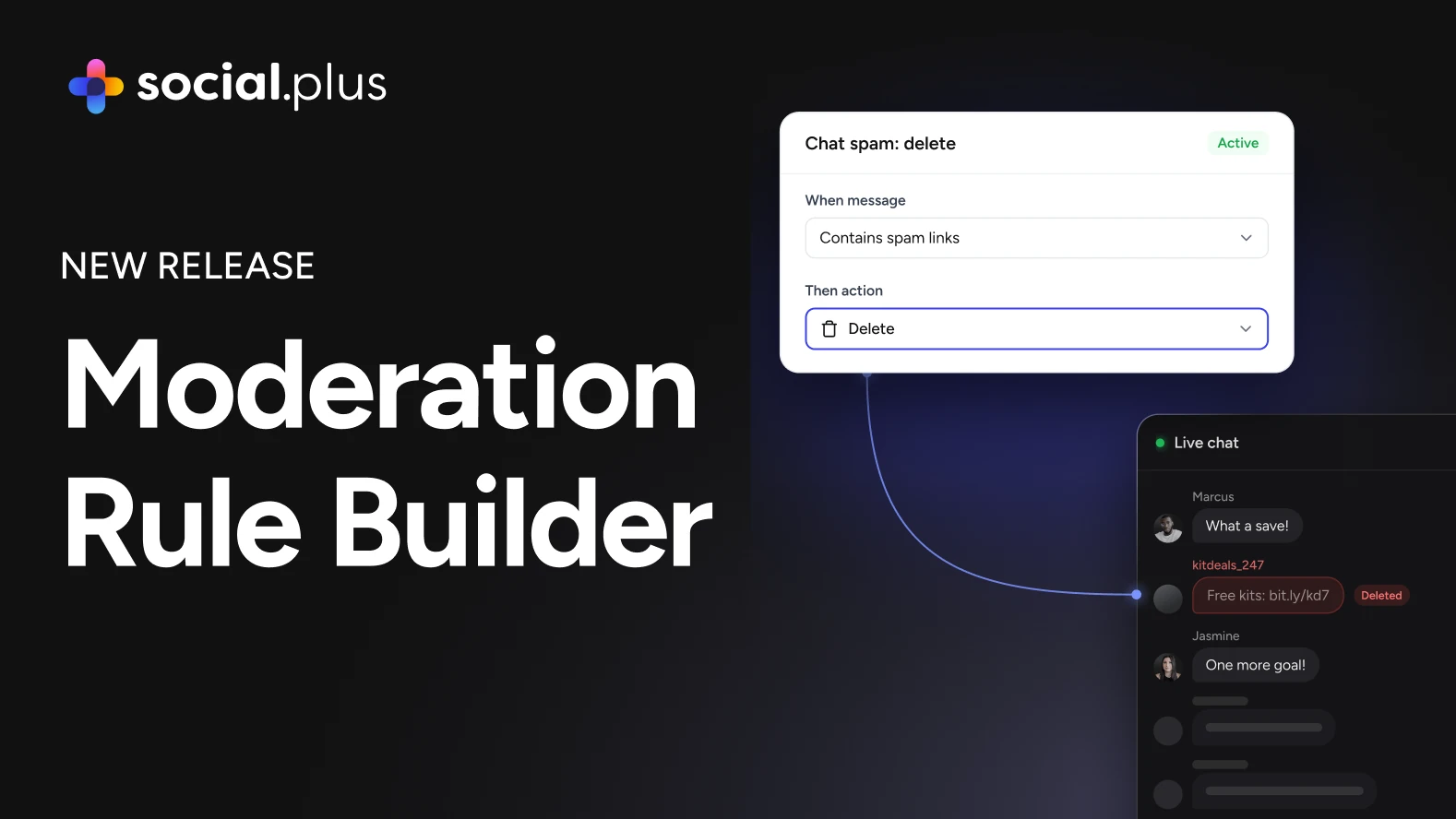
Introducing Moderation Rule Builder: Moderation on Your Terms
The social.plus Moderation Rule Builder gives your team direct control over how moderation responds to what happens in your app. Combine conditions such as keywords, posting speed, account age, or report counts, decide what should happen when a rule is triggered, and test it before it acts on anyone. Rules are built and adjusted in the Console, on every network.
Every app draws the line in a different place. A post that calls for care in a wellness app may be ordinary banter in a sports betting chat. A user who posts something questionable once is not the same as a new account flooding the chat with spam. Your team sees these differences every day, and the Moderation Rule Builder turns them into rules, so moderation follows your policies instead of one default threshold.
Ready to build your first rule? Learn more
What is the social.plus Moderation Rule Builder
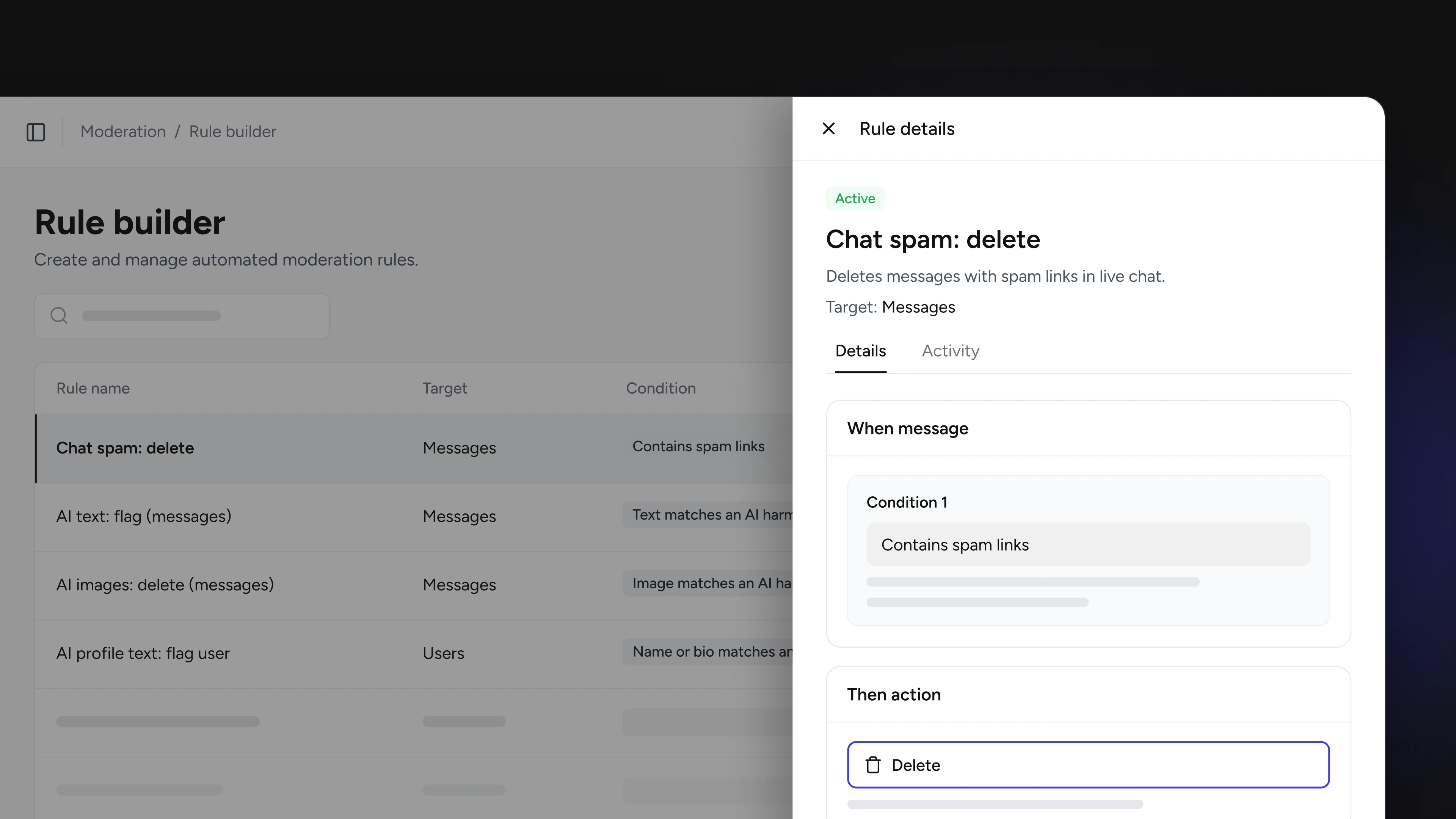
The Rule Builder is where community managers and trust and safety teams create moderation rules of their own, directly in the Console. Each rule combines conditions with AND, OR and NOT, and can act on posts, comments, messages, and users. Conditions draw on the signals your team already works with: keywords and blocklists, links outside your allowed domains, topics, user role, account age, posting speed, flags, report counts, time left unreviewed and unusual comment activity. Brands using social.plus AI Moderation can also add AI harm categories at a sensitivity they choose, so existing detection becomes part of their own rules.
A rule holds around 10 conditions in one level of grouping, and works alongside the tools your team already uses, including the Moderation Feed.
One rule, from first condition to live
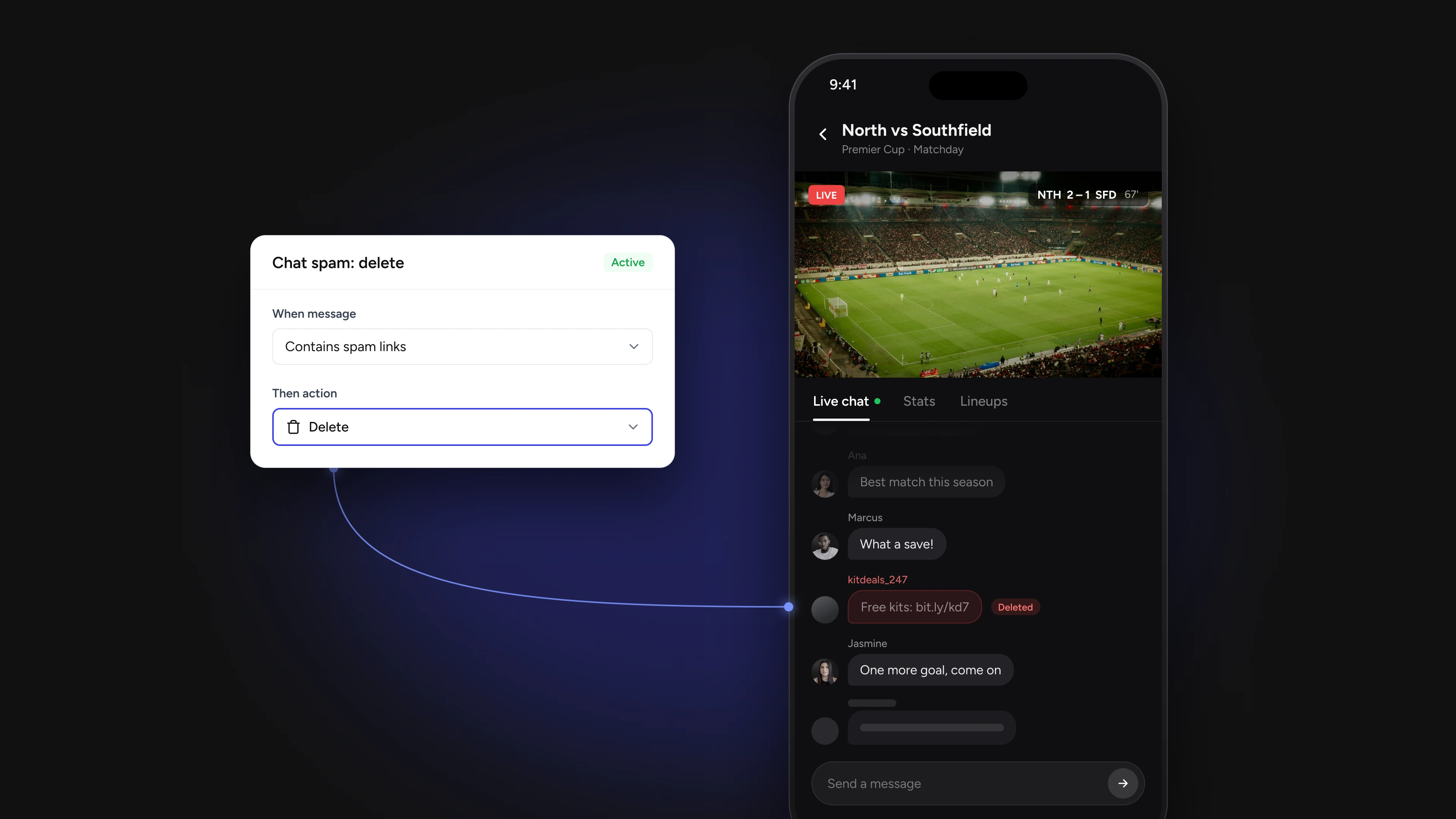
Take a live match in a sports app, where promo spam arrives with the chat. You set one condition: more than 20 messages in five minutes. Anyone who crosses it is muted, with the reason logged and a notice explaining why.
Before the rule acts on anyone, you run it in Test mode to see exactly who it would catch, and tighten the condition if it catches too much. Once the results look right, you switch it to Active, and fans keep talking while spammers go quiet. When the season ends, set the rule to Inactive, ready to switch back on for the next one with no backend work.
Match the response to the behavior
Not every violation deserves a ban. The Rule Builder gives each rule its own response: flag, hide posts, global mute, global ban, or delete. Each response can also log a reason, notify the user, send the case to a moderator for review, or set a cooldown.
That range lets your team respond in proportion. In a wellness app, a post about extreme dieting sits in a grey area, so a rule hides it and sends it to a moderator. A person makes the call. A spammer in a live chat, on the other hand, is muted on the spot. Moderators spend their time on decisions that need human judgment, and rules handle the rest.
Catch the pattern, not just the post
Some behavior only shows up over time. One flag on a user means little. Five in a week, across posts and comments, says something different. Because a rule can combine signals over time and across your app, it responds to the pattern instead of judging each post on its own.
That user goes straight to a moderator, with the reason logged. A promo link from an account less than 14 days old is removed. A reported post left unreviewed for more than 24 hours is hidden until someone looks at it. And when a viral post draws a sudden wave of comments, comments with links are flagged for review while staff accounts stay exempt.
Built around your users
Moderation works best when the people running it can shape it. With the Moderation Rule Builder, your team decides what to watch for, how the platform responds and when a rule goes live. Moderation moves from a fixed safety net to infrastructure shaped around your own users.
Learn more about the Moderation Rule Builder, or contact our team for questions or help setting up your first rules.
Your rules. Your response. Moderation on your terms.