What's new in social.plus | September 2026
This month we pushed social.plus into new territory. From querying your first-party data inside an AI assistant to surfacing real user content on any page of your app, September is about making engagement visible in places it never reached before. Here is what shipped.
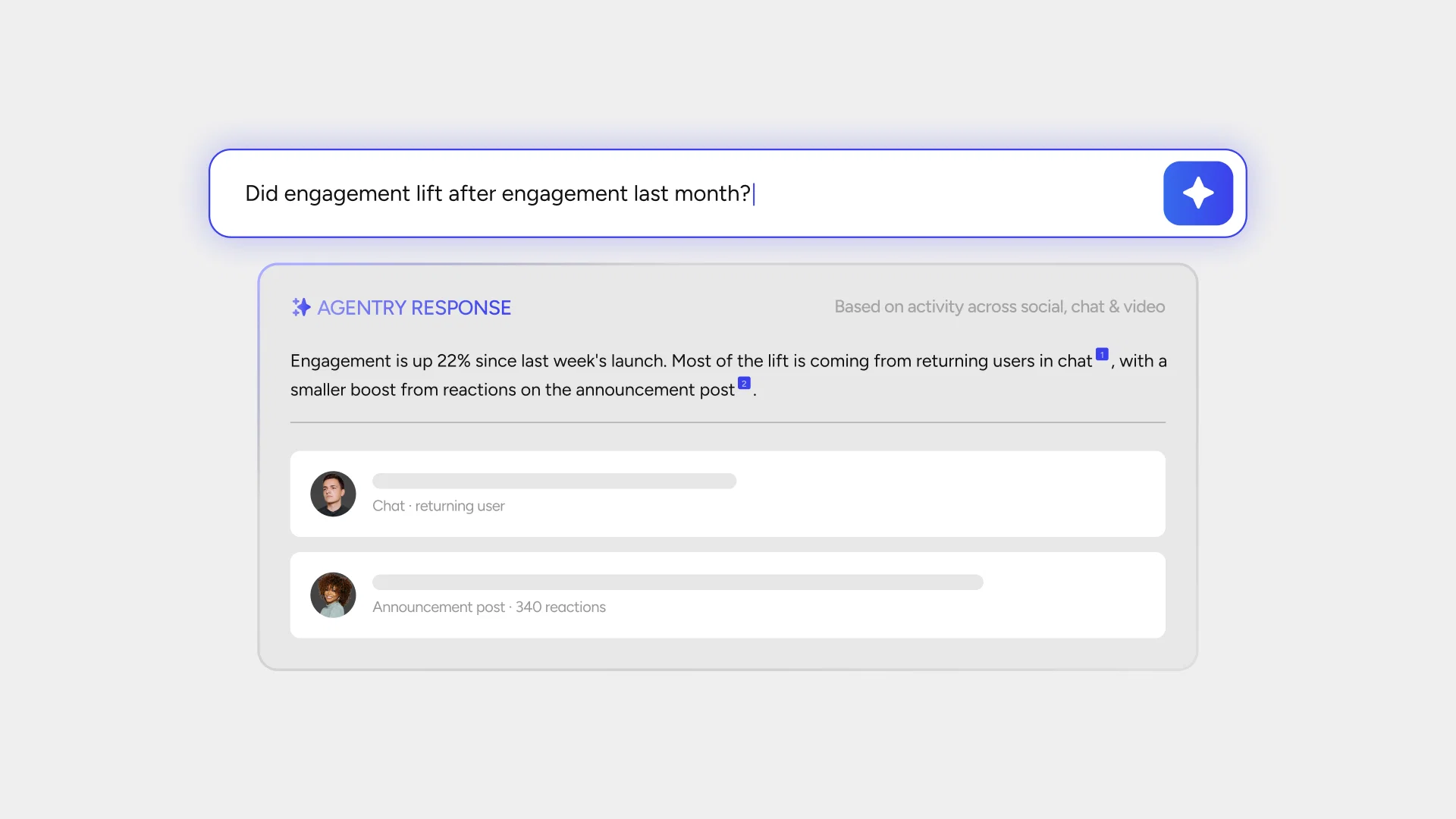
Ask Your First-Party Data Anything with Agentry
[[pu-analytics="/cta"]]
social.plus Agentry connects AI assistants directly to the first-party data your app generates. Ask a question in plain language from inside Claude, ChatGPT, or any supported AI assistant and get a clear answer with the reasoning behind it.
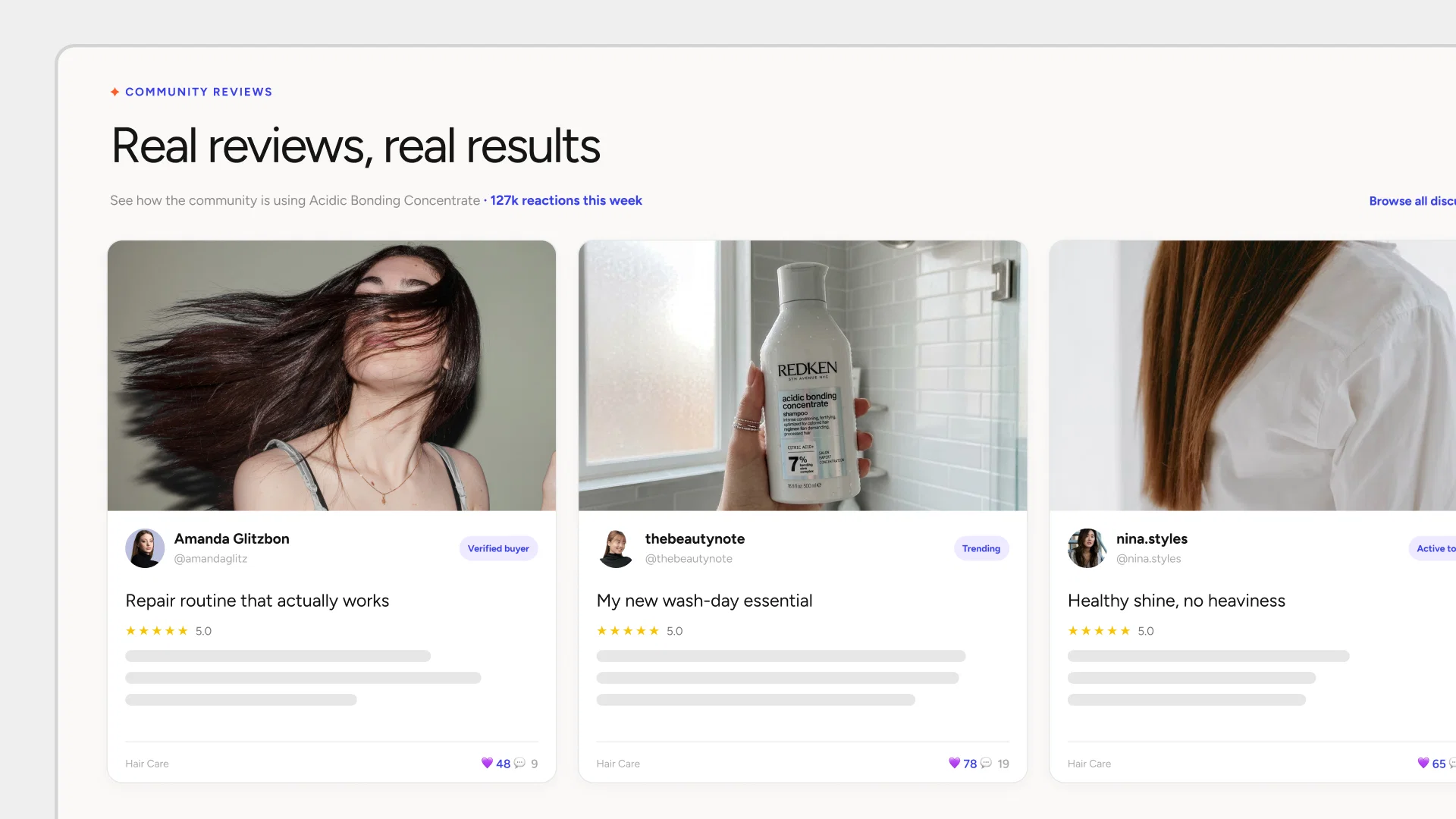
Surface Real User Posts Anywhere with Discovery Widget
[[pu-social="/cta"]]
Brands can now take the real conversations already happening in their app and choose exactly where they show up. Configure a Topic in the Console, drop a single embed snippet onto any page, and the Discovery Widget surfaces relevant posts with social signals and media that make the content feel active and worth opening. No custom build or ranking logic required.
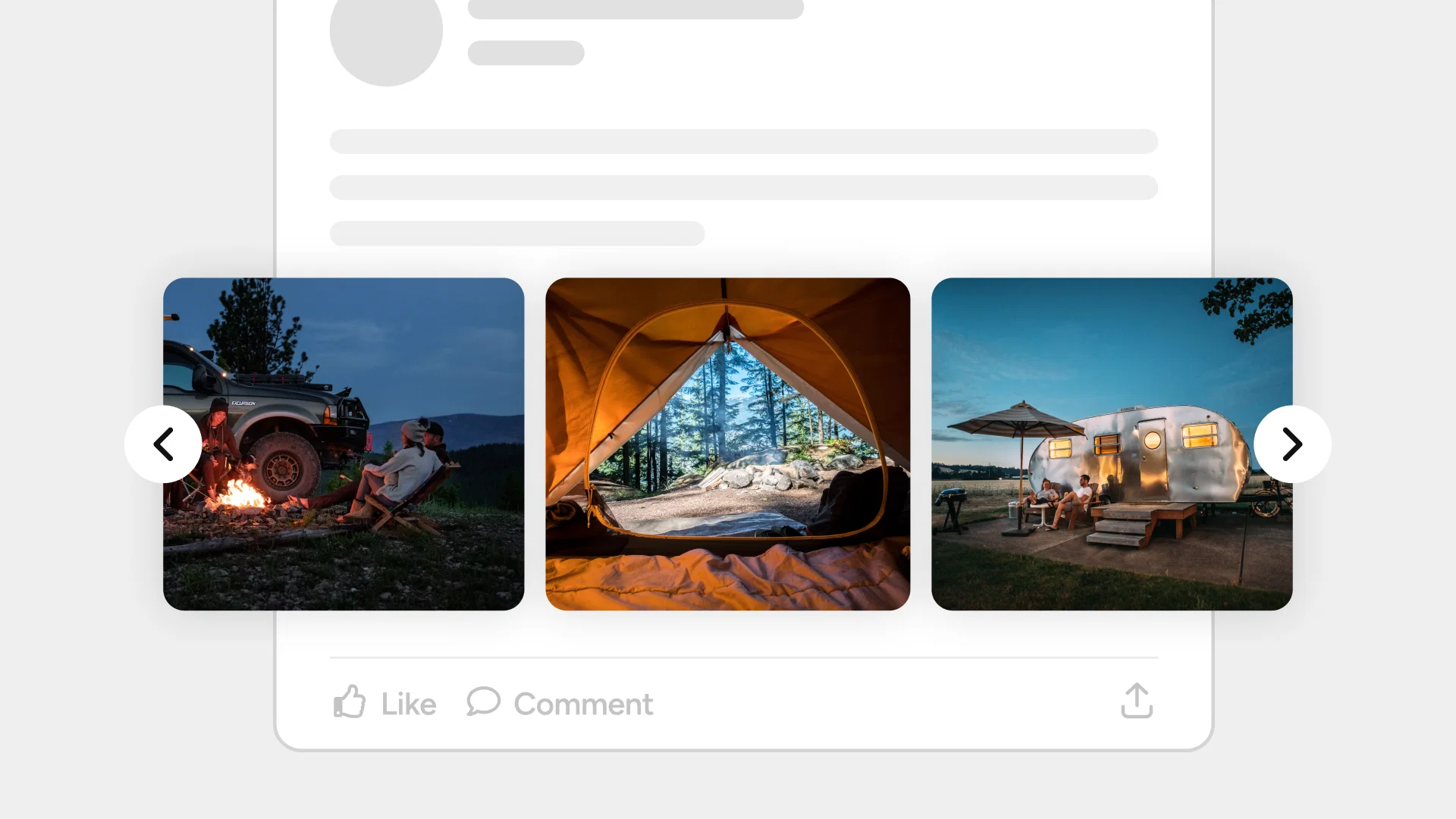
Multi-Media Posts Now Display as a Carousel
[[pu-social="/cta"]]
Multi-image and multi-video posts now display as a swipeable carousel instead of a collage grid, with each frame rendered at full width and native aspect ratio in the order it was uploaded for better discovery.
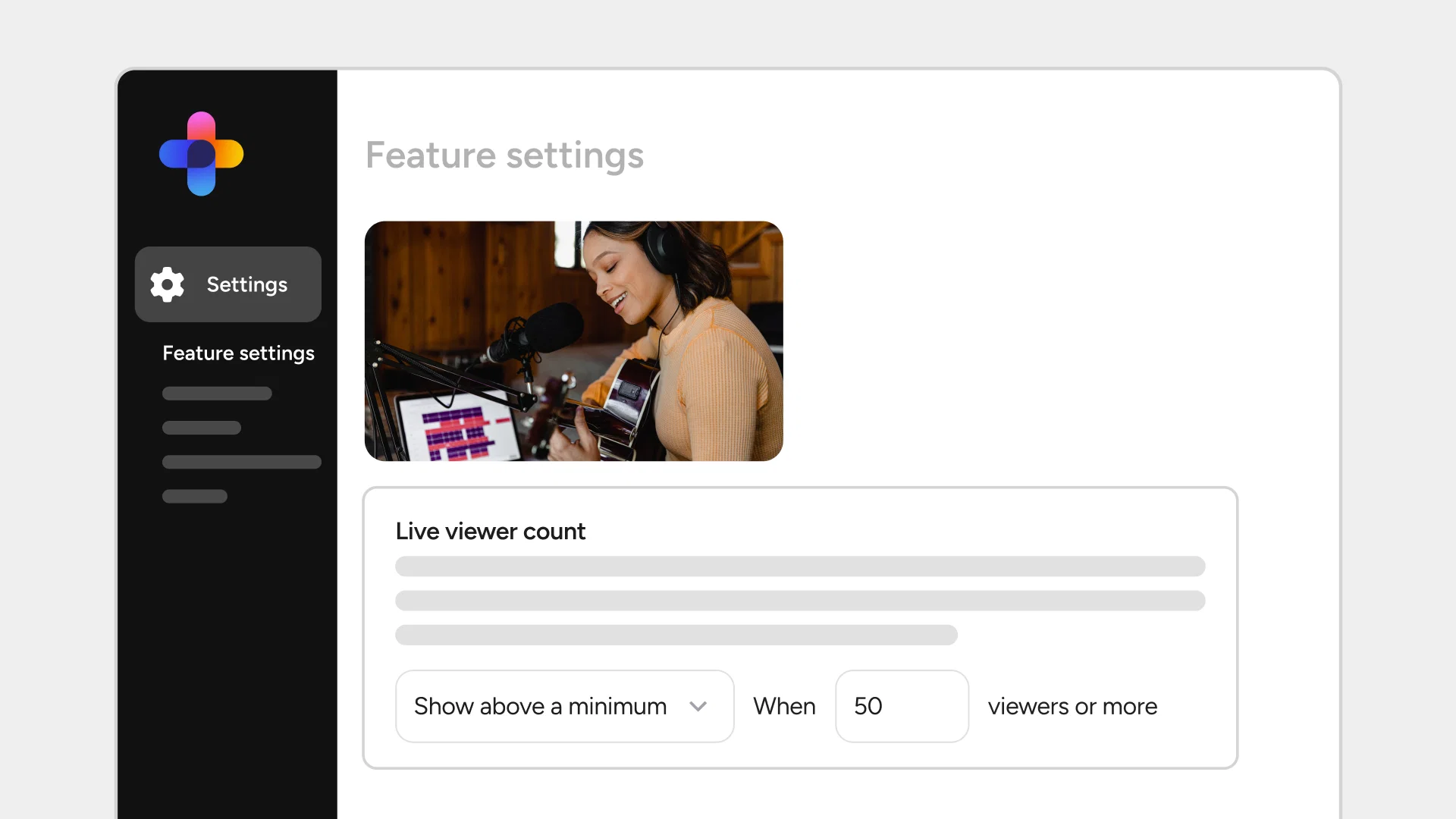
Configurable Live Stream Viewer Count Threshold
[[pu-video="/cta"]]
Admins can now set a viewer count threshold directly from the Console, choosing to display the count only once a stream reaches a minimum number of viewers or hide it entirely. Changes apply instantly, even during an ongoing live stream.
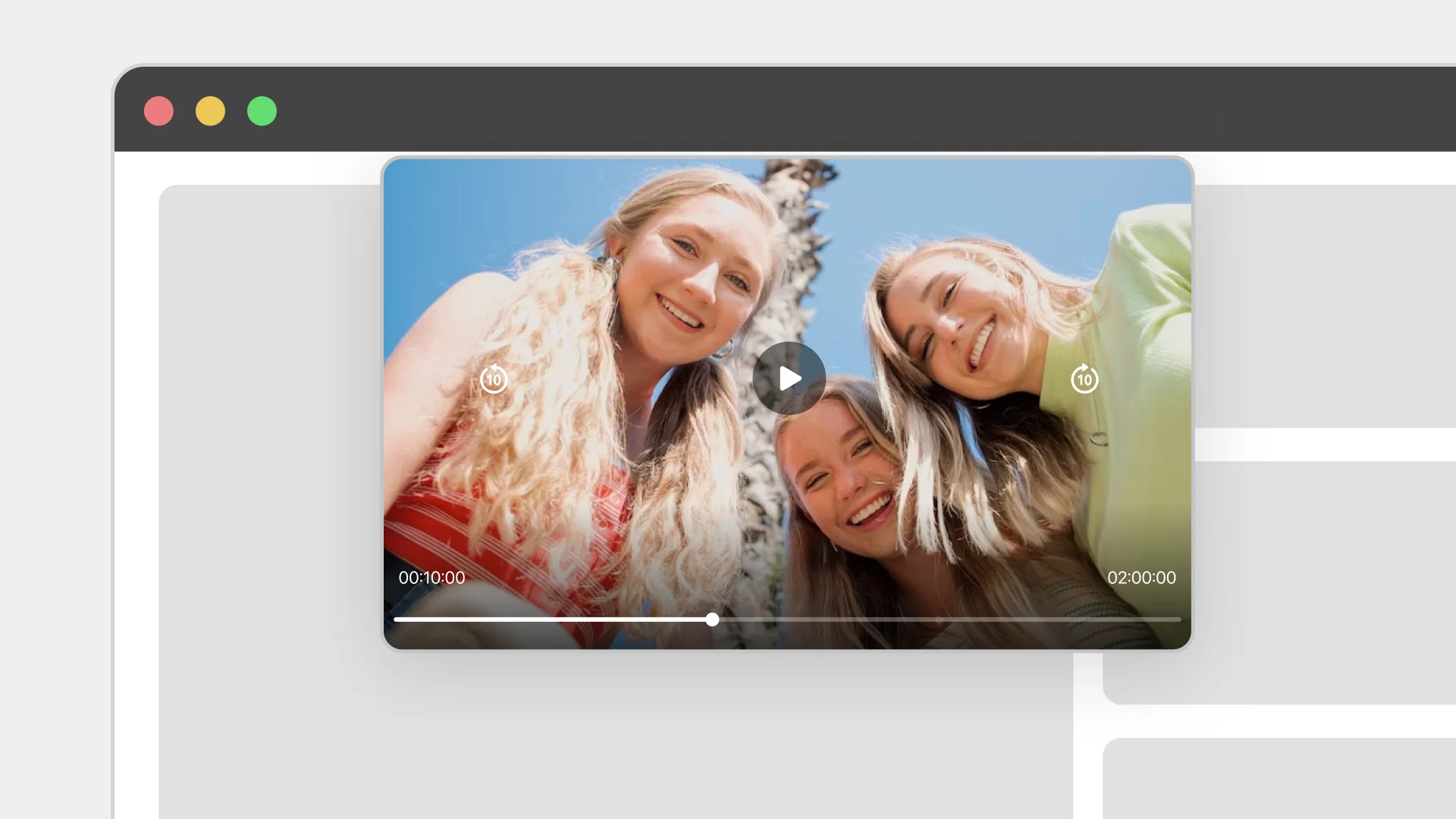
Livestream Picture-in-Picture Support for Uninterrupted Viewing
[[pu-video="/cta"]]
Viewers can now watch livestreams in a small floating window while switching to other apps, with video and audio continuing uninterrupted and an easy way to return to full screen.
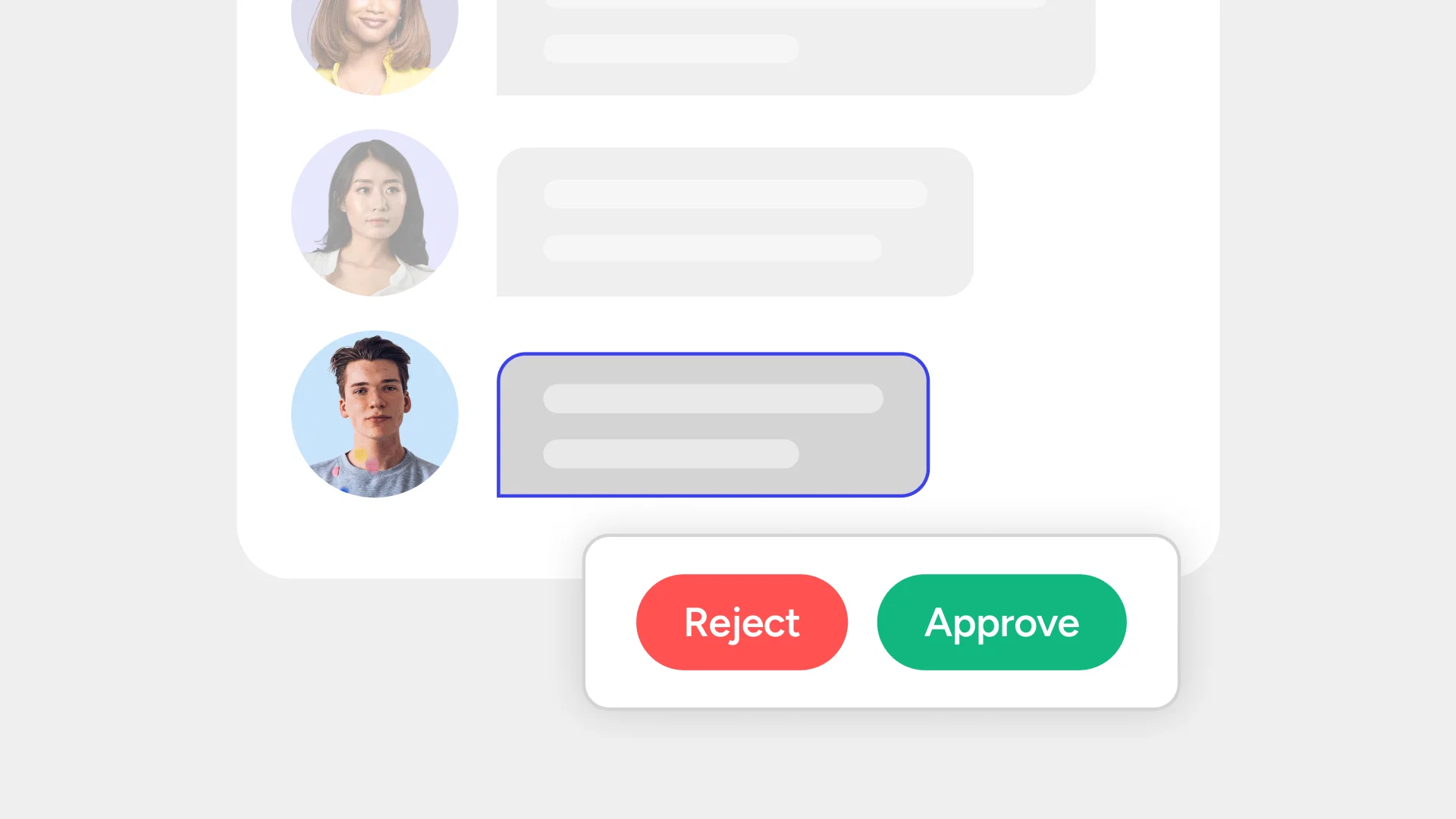
Comment Approval Across User Conversations
[[pu-social="/cta"]]
Comments and replies can now be held for review before becoming visible to the rest of the public thread. When enabled, new comments and replies are held in a pending state visible only to the author and authorized reviewers until approved or declined. Teams can connect any review process including AI moderation, rules engines, or human review teams via webhook, with decisions accepted through the Server API.
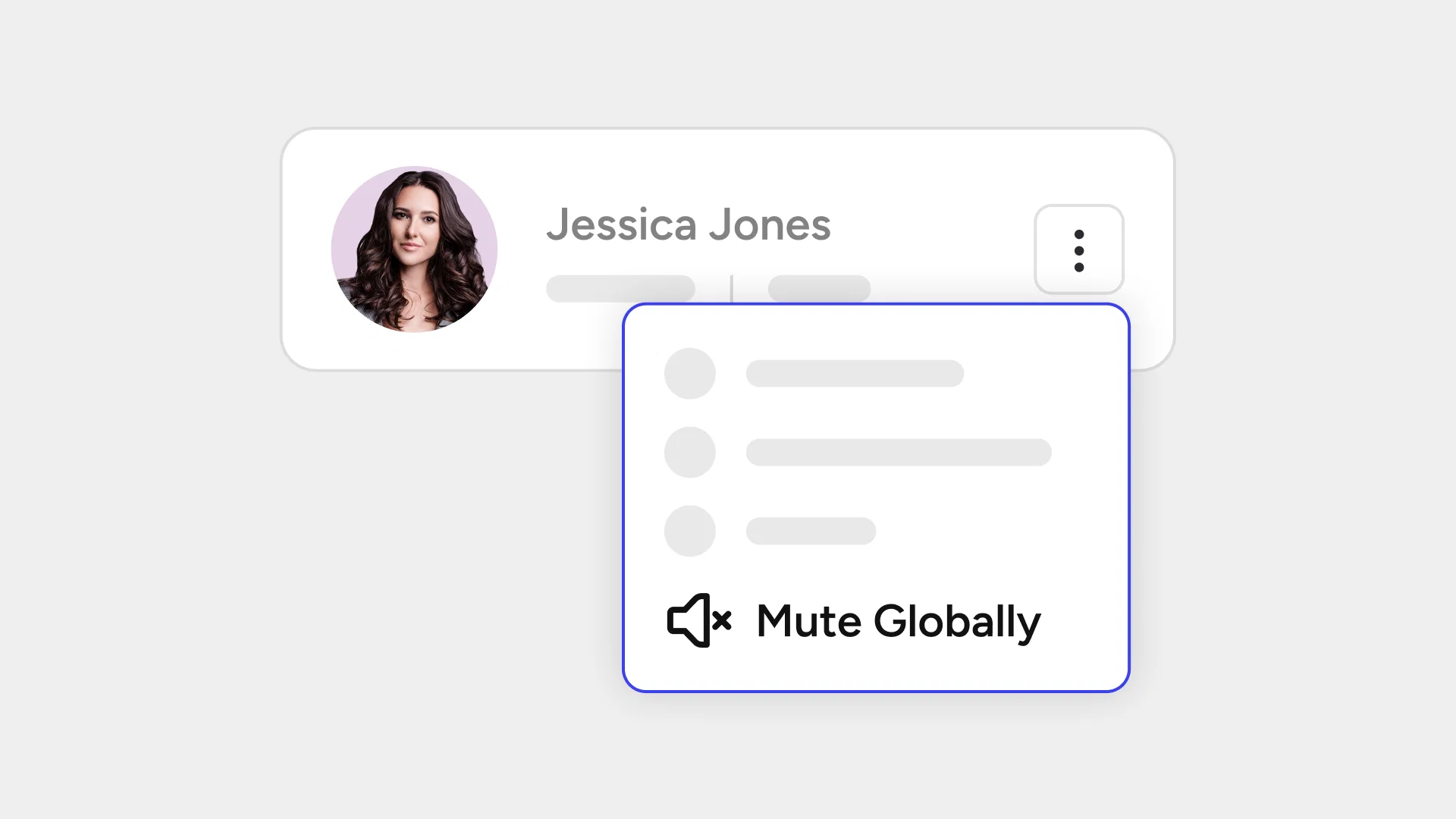
Global Mute for Proportionate Moderation
[[pu-moderation="/cta"]]
Admins can now mute a user globally across the entire network without removing their access. While muted, the user can still sign in, read content, and use safety tools, but cannot create, edit, or delete content across any channel. The mute can be applied indefinitely or for a defined period, with normal behavior resuming immediately once it expires or is lifted. For teams seeking a more proportionate alternative to Global Ban, Global Mute sits as a middle ground between a channel-level mute and a full network ban.
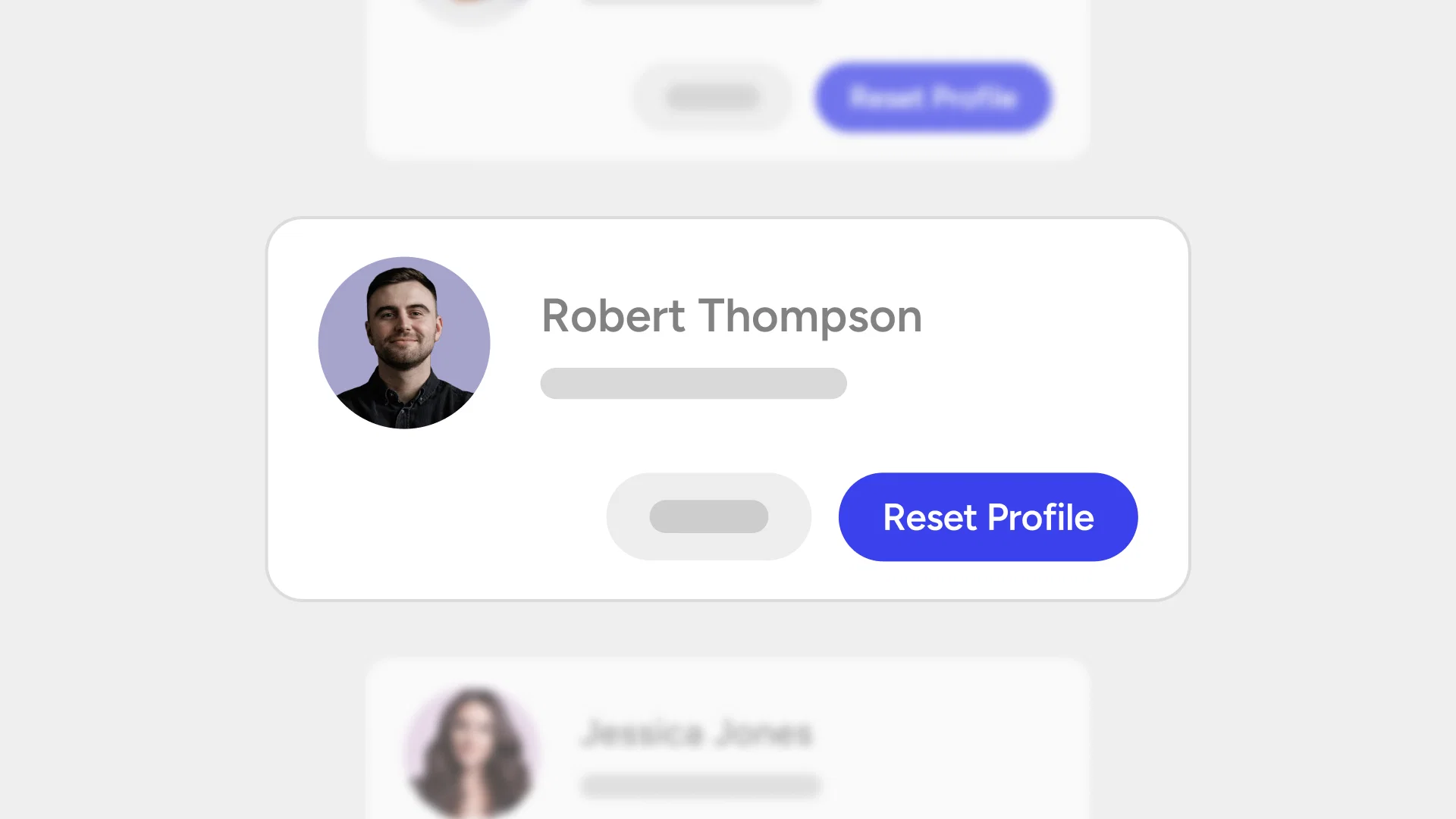
Direct Profile Reset for Admins on Console
[[pu-moderation="/cta"]]
Admins can now clear a user's avatar, bio, or username directly from the Console without needing an existing user report to trigger the action.
We also added
- Pin Messages in Livestream Chat: Hosts and moderators can now pin key messages to the top of livestream chat, keeping important links, calls to action, and instructions visible as new messages arrive
- Dark Mode for React Native and Flutter Chat UIKit: Chat UIKit on Flutter and React Native now now get a more comfortable viewing experience in low-light environments