All the white-label messaging features your app needs
Messaging essentials
The essential chat features to build engaging messaging experiences for users.
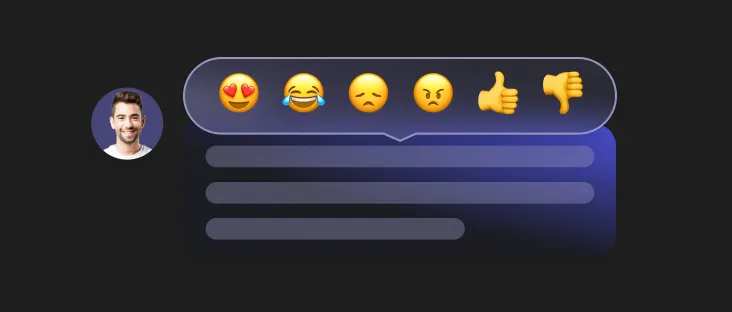
Reactions
Let users react to messages using text, emojis, stickers, and thumbs up.
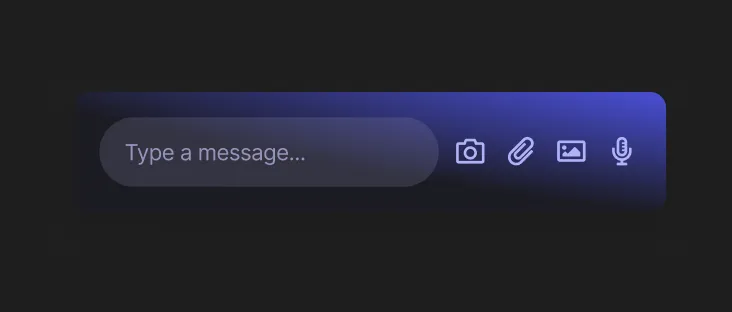
Share Multimedia and Files
Handle multiple types of content — text, image, audio, video, and file messages.
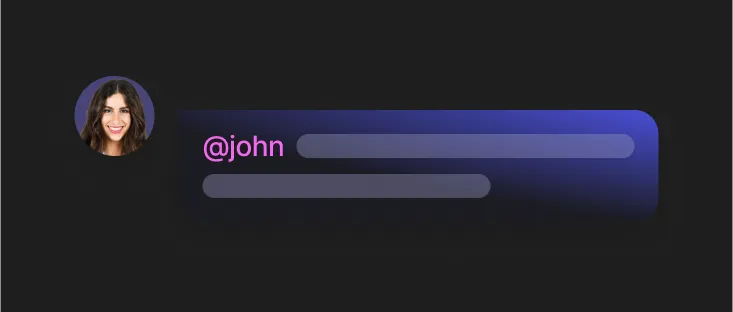
Mentions
Allow users to tag others in messages and chats.
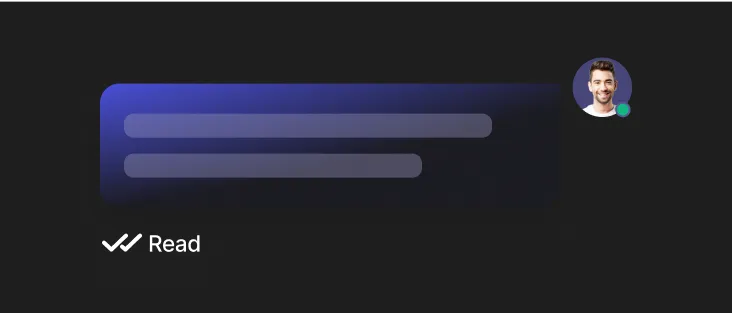
Read Receipts
Let users know when their messages have been read.
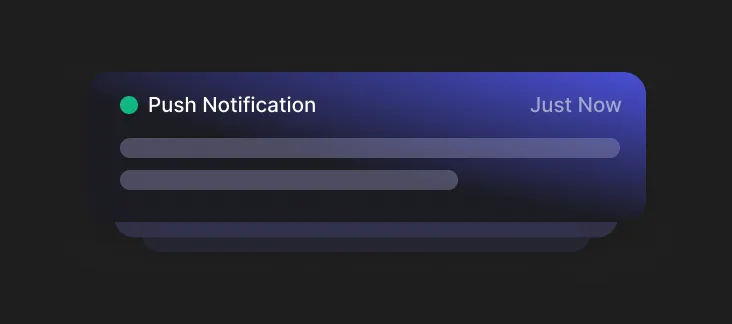
Push Notifications
Notify users with push notifications when they receive messages or are mentioned in conversations.
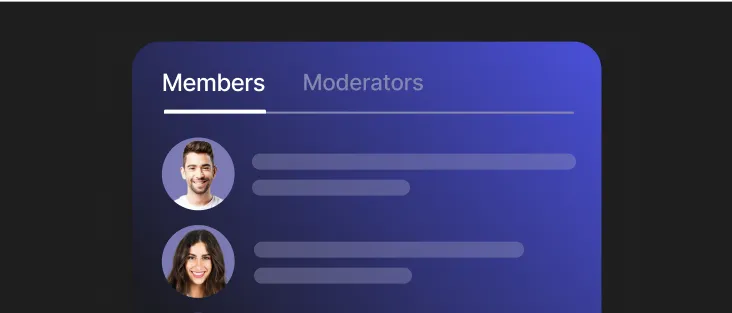
Chat Members List
Display list of members in a chat room.
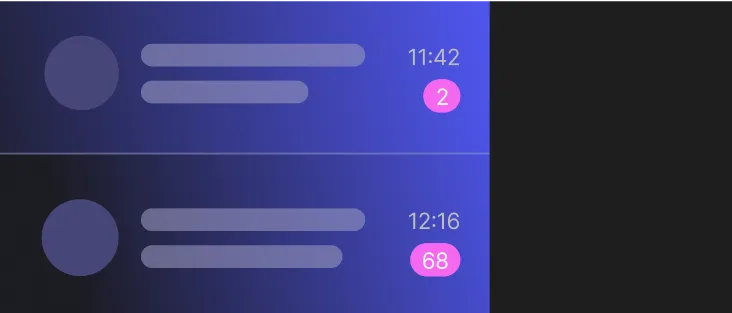
Unread Message Count
Display the number of unread messages to bring users back into the chat.
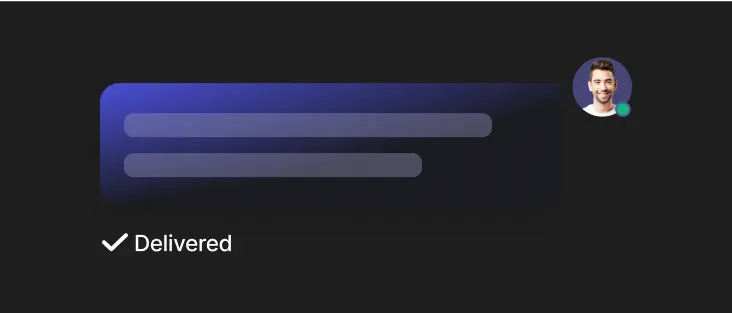
Delivery Receipts
Let users know that their message has been successfully delivered.
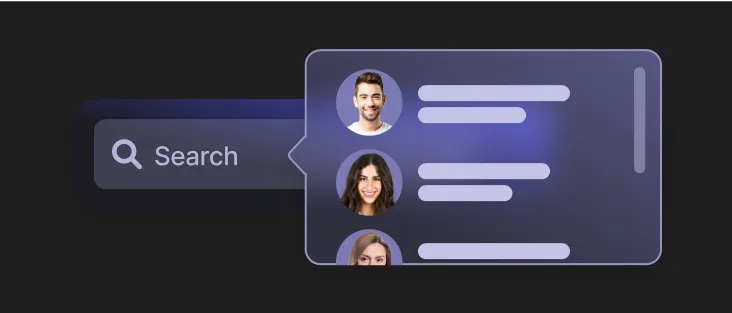
User Search
Allow users to search for other users using their display name.
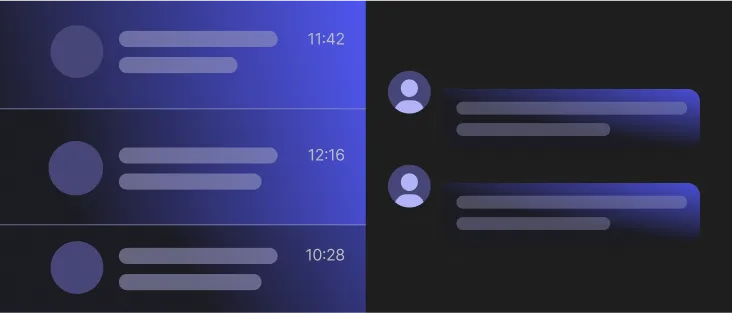
Subchannels
Organize chat channels with subchannels.
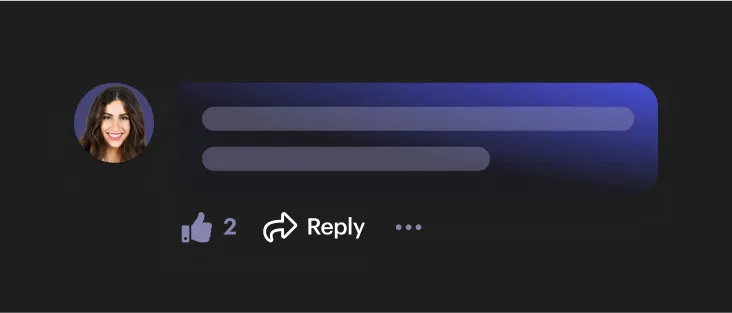
Message Threading & Replies
Allow users to reply to messages as a thread.

Image Resizing
Images are automatically resized into multiple sizing options.

Video Resizing
Videos are automatically resized to the maximum size of 480p.
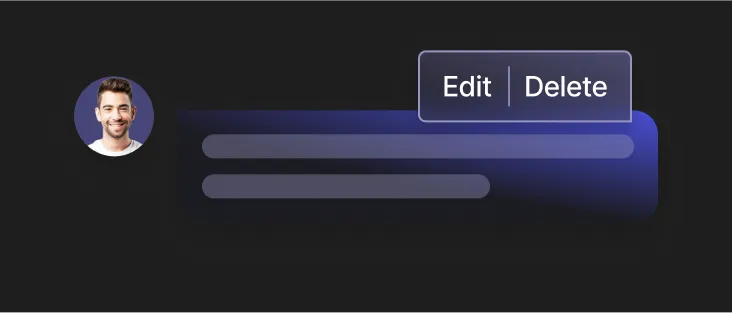
Message Edit/Delete
Allow users to edit and delete already sent messages.
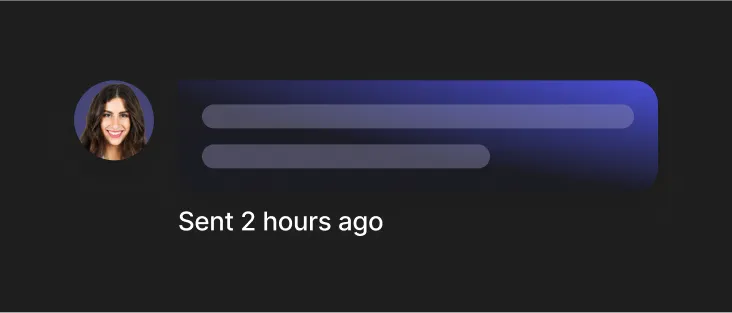
Message History
Sent messages are stored and easily accessible for users.
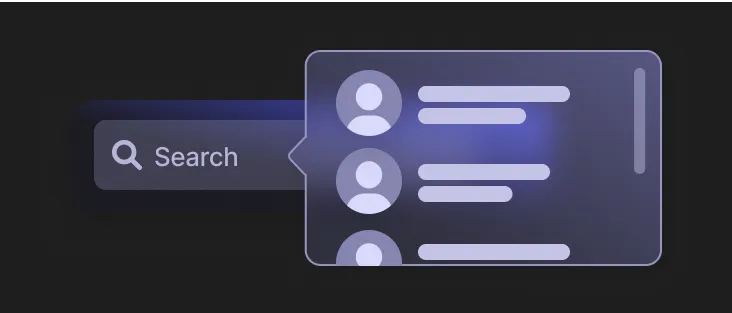
Channel Search
Search for and retrieve channels that match specific criteria.
Channel Media Gallery
Display various types of media, such as images, videos, and documents that are shared within a channel.
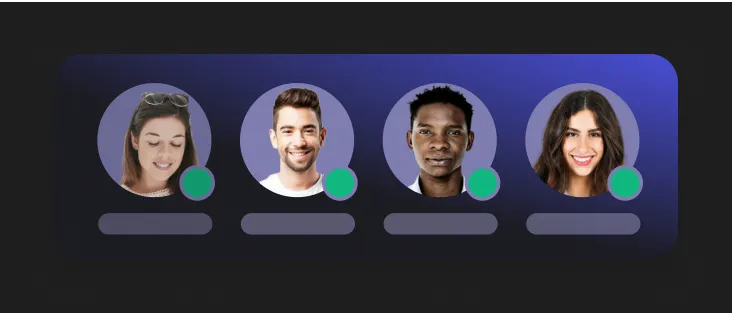
Presence State
Show real-time user availability/status, which users can enable or disable.
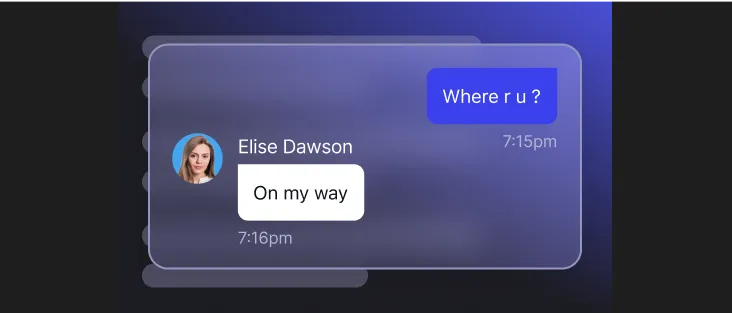
Message Previews
Shows a preview of chat content, including sender information.
Chat channels
Our instant messaging channels enable you to seamlessly implement different types of chat messaging capabilities into your applications.
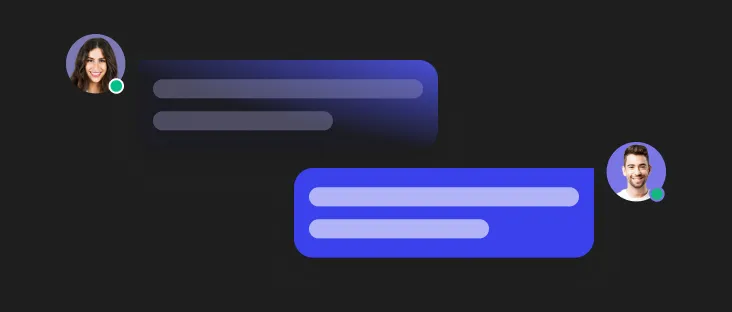
Private 1-1 Chats
One-to-one private chat channels for users to message each other.
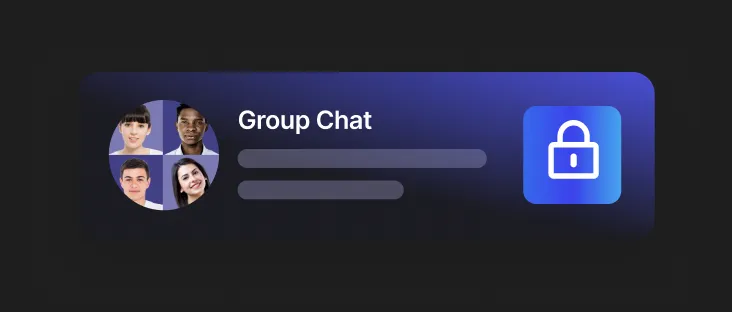
Private Group Chats
Private group chat channels that can only be viewed by users that are invited.
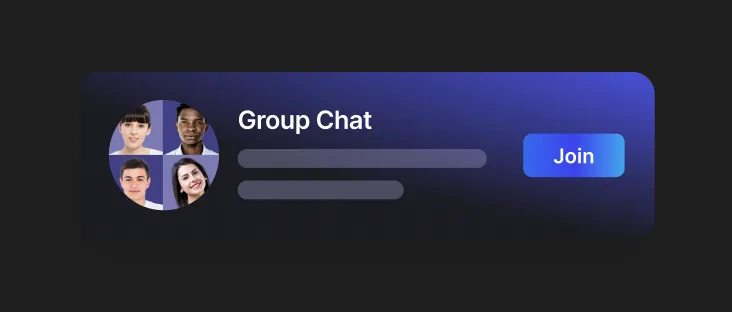
Public Group Chats
Public group chat channels can be discovered by all users and admins.
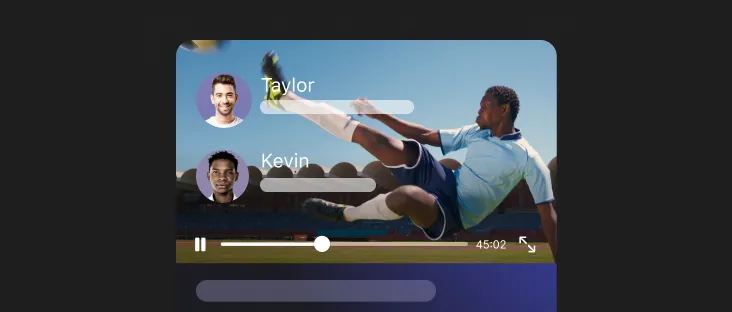
Live Chats
Live Chat Channels enable users to message in real-time during live events.
Broadcast Chats
Broadcast chat channels only allow admin users to send messages, and users in the channel will be under read-only mode.
Message types
Give users the possibility to express themselves in through different message formats to increase engagement.
Text Messages
Allow users to send text messages.
Image Messages
Allow users to send image messages.
Video Messages
Enable users to send video messages.
Audio Messages
Allow users to send audio messages.
File Messages
Enable users to share file messages.
Custom Messages
If text, image, audio, video, and file type messages are not enough, you can create your own custom post with whatever data you need for rendering.
Chat moderation
Moderation is a crucial part of any chat environment to make it a safe space for users. Our tools make it super easy for moderators to track content manually & automatically.
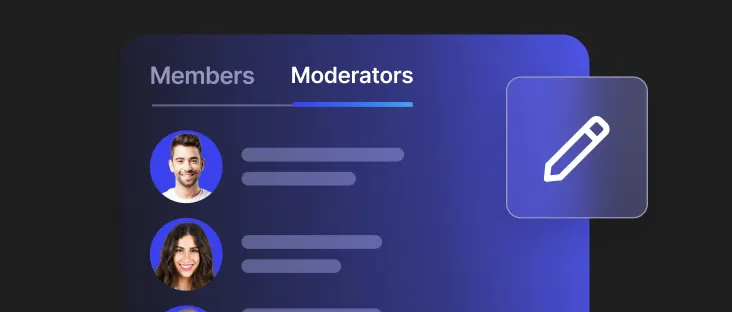
Moderator User Roles
Administrators have the ability to delegate roles to users, each with different moderation capabilities.
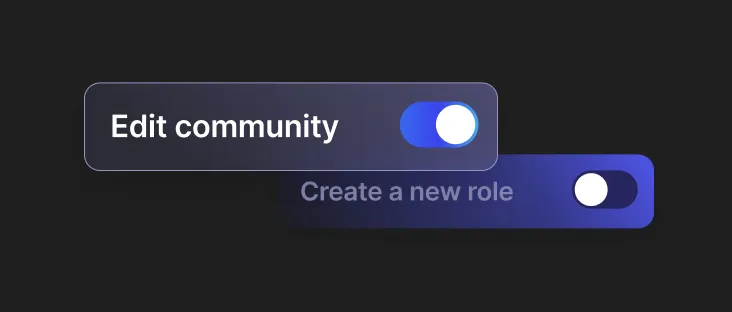
Custom User Roles
Create new user roles with customized permissions.
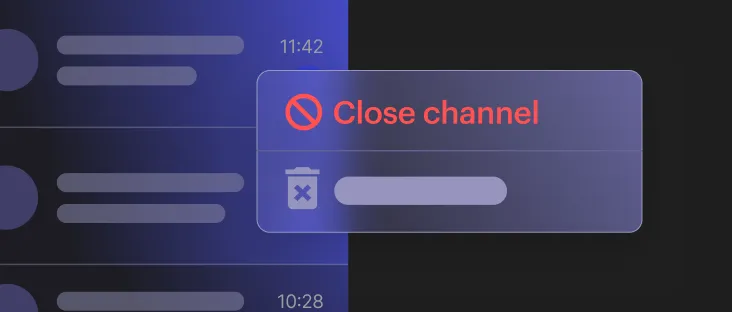
Channel Management
Moderators can Mute, Edit, Add, Close, and Remove chat channels.
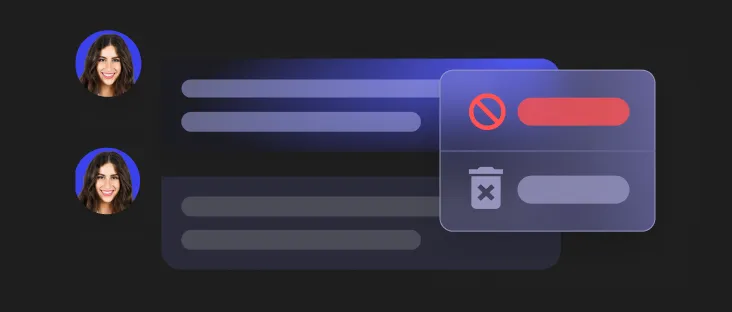
Message Management
Moderators can monitor chat messages being sent in real-time.
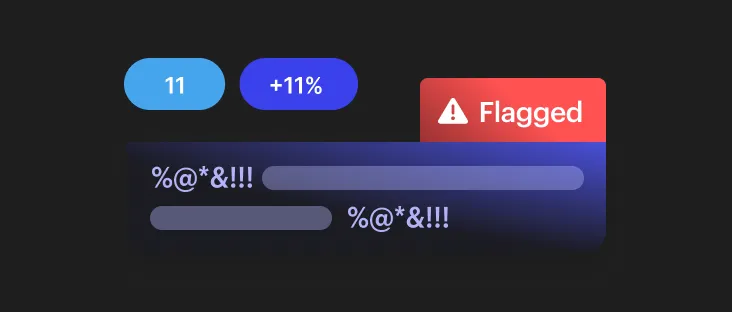
Flagged Messages
Messages that have been flagged by users are presented to the moderators for further review and action.
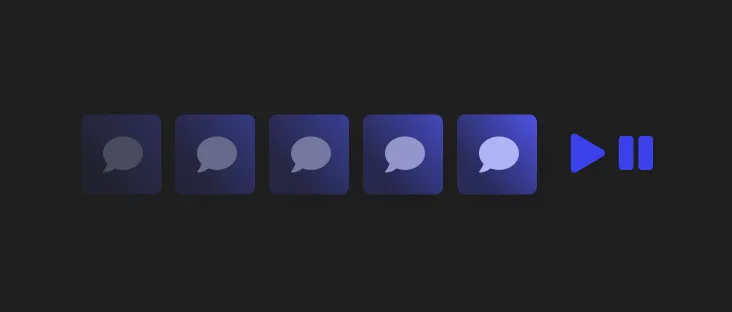
Pausing Data Stream
Moderators can stop the Moderation Panel from receiving new messages so that they can take action on a message.
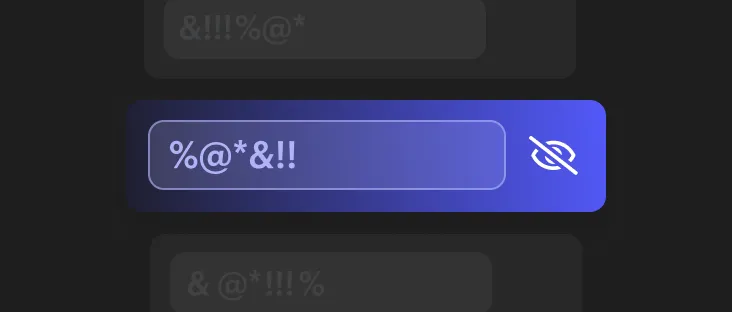
Profanity Filter
Automatically filter out profanity within chat channels. Specific keywords or phrases can be added to a global blocklist.
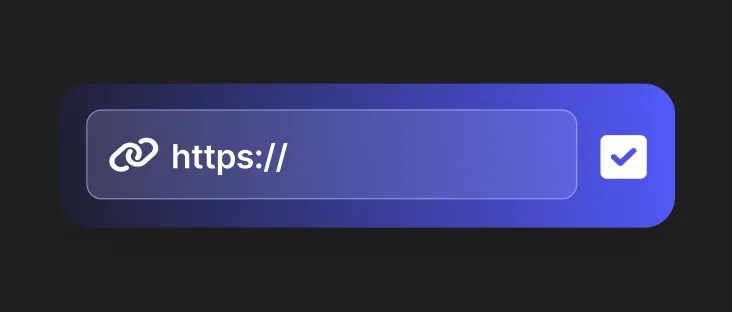
Allow List
Websites can be whitelisted so that links from only certain website domains can be shared.
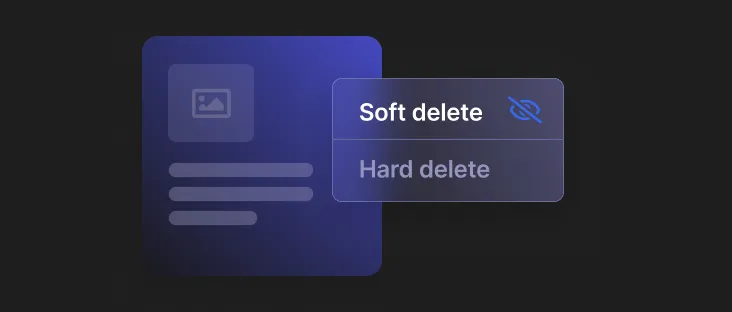
Soft Delete Content
The content is only marked as deleted. This means that the content still exists in the database.
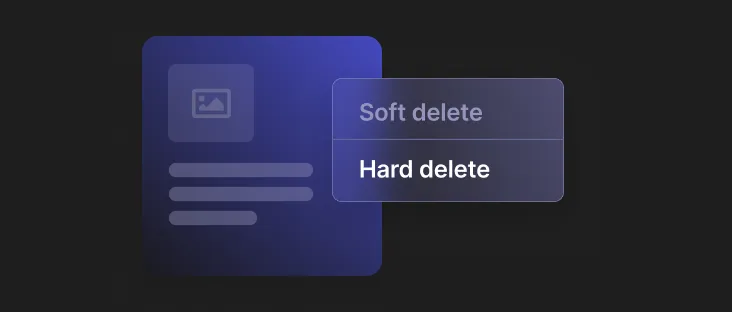
Hard Delete Content
The content data, along with its reactions, comments and replies, are removed from the database.
Moderation via API
Moderate via APIs instead of using the Moderation Panel console using social.plus Rest APIs.
User moderation
Provide a positive and safe social experience with tools to moderate users.
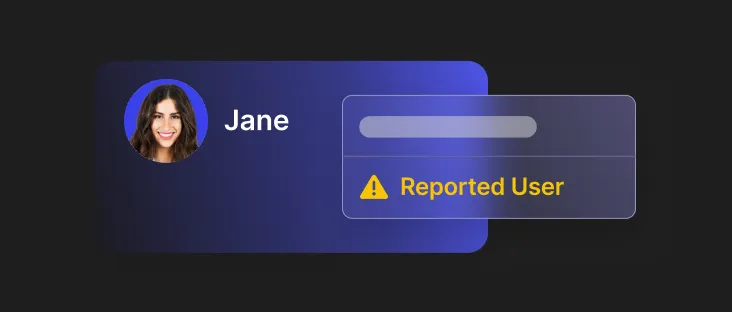
Flag Users
Flagged users are presented to the admin for further review and action. The admin can then choose to mute or ban the user.
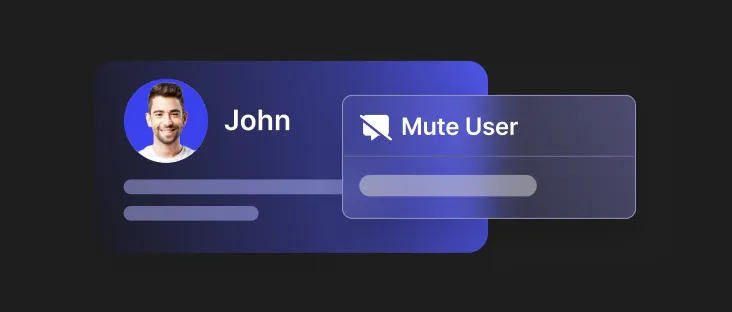
Mute Users in Channel
A muted user cannot send messages in a channel. However, muted users are still allowed to see the messages in a channel.
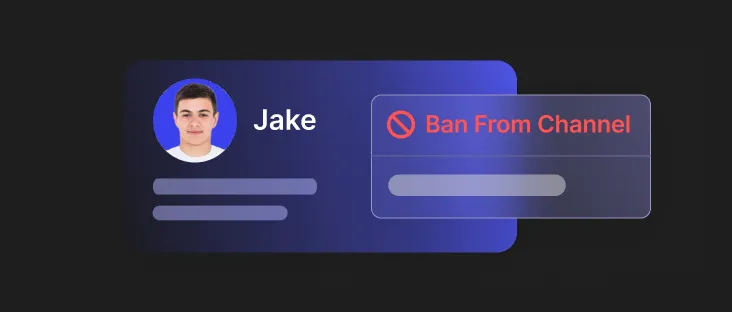
Banning Users from Channel
Admins can ban users to permanently remove them from chat channels so they are no longer able to participate or observe messages in that channel.
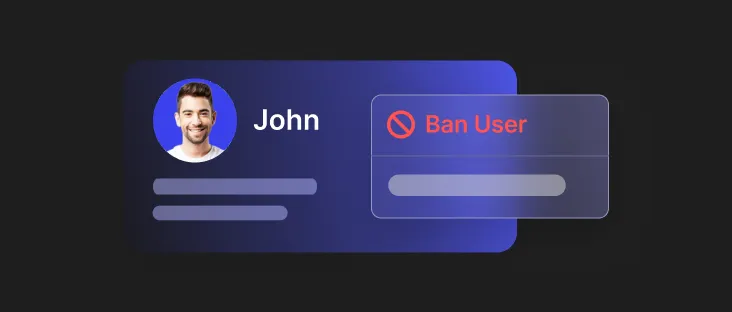
Global Ban
Admins also have the ability to impose a global ban on a user.
Security
All data going through social.plus is encrypted and safely stored. Our security program is regularly assessed by third party auditors and customers.
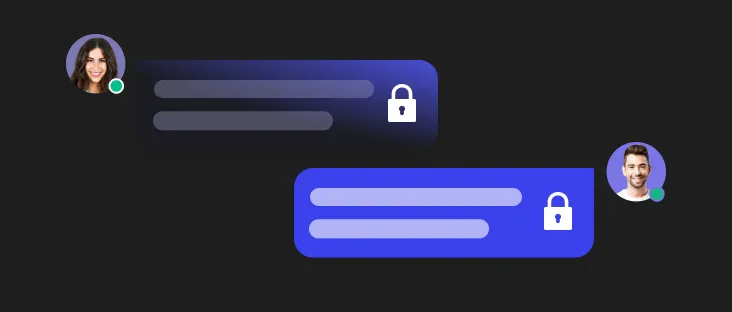
TLS Encryption
Data in transit is always encrypted with the latest TLS protocol.

AES 256 Encryption
Data at rest is always encrypted via AES-256 encryption.

GDPR API
Our API allows you to hard delete user data and content according to GDPR standards.
Compliance
Protect users' privacy and data by adhering to strict regulatory standards such as ISO 27001, SOC and GDPR.

SOC2
social.plus is SOC2 Type II certified.

ISO27001
social.plus is ISO/IEC 27001:2013 certified.

GDPR
social.plus is GDPR compliant.
Infrastructure
Scale your product and business with the availability of global regions, SSO and Webhook Events.

AWS Multi Region Support
social.plus offers servers in the following locations: USA (North Virginia), Germany (Frankfurt), and Singapore.

SAML / SSO
social.plus supports Single Sign-On (SSO) with Security Assertion Markup Language (SAML) integration.

Webhook Events
Webhook Events is a great way you can extend and build custom functionalities on your own by receiving triggers from social.plus


