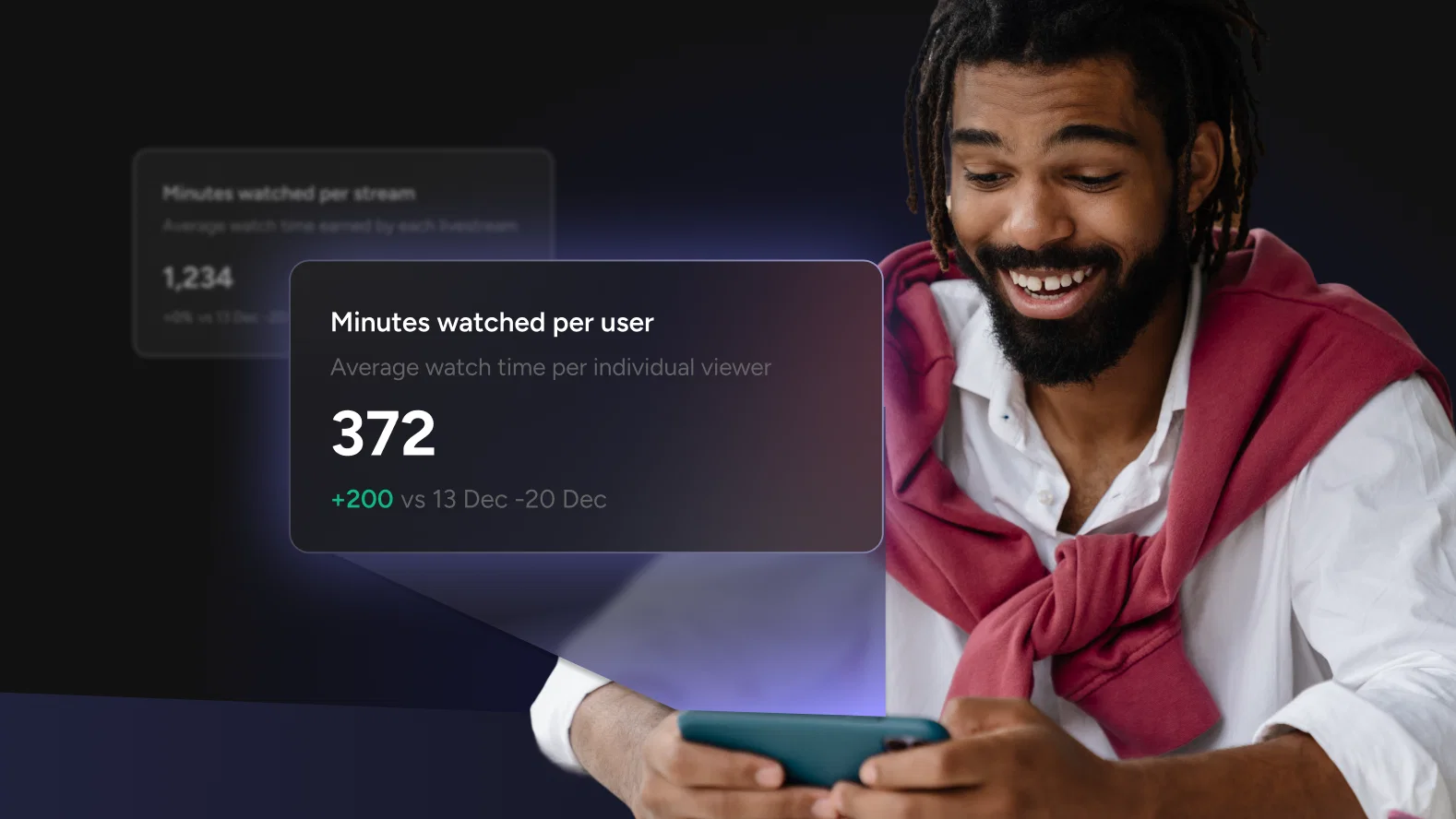
Minutes Watched Per User: The Live Stream Metric That Tells You Everything

Minutes watched per user is the average number of minutes each unique viewer spends watching a live stream, calculated as total minutes watched divided by unique viewers. Total view counts and peak concurrent viewers tell you how many people showed up. Minutes watched per user tells you whether they stayed, which is the number that actually predicts whether a live streaming strategy is working.
What Minutes Watched Per User Actually Measures
Minutes watched per user is total minutes watched divided by unique viewers. It converts an abstract audience size into a concrete measure of attention.
Most analytics platforms also report a related aggregate figure called estimated minutes watched: the sum of every minute every viewer spent on a stream, with no adjustment for audience size. Estimated minutes watched grows every time a viewer joins, even if that viewer leaves after ten seconds. Minutes watched per user normalizes for that by dividing the estimated total by the number of unique viewers, which is what turns a raw watch-time figure into a signal about content quality instead of reach.
Total views tells you how many people opened the door. Minutes watched per user tells you how long they stayed in the room. A stream with 10,000 views and two minutes watched per user produced a fundamentally different result than a stream with 2,000 views and 22 minutes watched per user. The first had reach. The second had an audience.
Reach is what a brand buys or borrows through promotion, distribution, or a well-timed push notification. Audience is what it earns with content that holds attention. Only the second compounds over time, because a viewer who stays for 20 minutes is far more likely to show up for the next stream than one who leaves after 30 seconds.
What a Good Minutes-Watched Benchmark Looks Like
There is no single minutes-watched benchmark that applies to every format. A 10-minute product walkthrough and a 90-minute keynote should not be judged against the same number.
Live audiences already arrive willing to spend more time than usual. DemandSage’s 2026 live streaming benchmarks put average watch time at 25.4 minutes per session, well above what most on-demand video sustains (DemandSage, 2026). That baseline matters because it sets expectations: live viewers grant more attention by default, and minutes watched per user shows whether a stream is earning it or giving it back.
Build a benchmark from actual stream data using three reference points instead of an industry-wide number:
| Benchmark | What to compare | What it tells you |
|---|---|---|
| Your baseline | Rolling average across the last 10 streams | Whether a single stream over- or under-performed the norm |
| Format-adjusted | Minutes watched per user by stream type (Q&A, demo, event) | Which formats consistently earn attention and which underperform |
| Trend direction | Minutes watched per user over time, same format | Whether engagement is compounding or eroding |
A number that climbs, even slowly, is a healthy sign. One that flattens or declines across the same format points to content fatigue or a structural problem with how the stream opens.
Resist the urge to compare a benchmark across formats. A weekly Q&A and a quarterly product launch will produce different minutes-watched profiles even with the same audience, and holding one to the other’s standard produces a false read on performance rather than a useful one.
Three Patterns That Reveal What Is Really Happening
Minutes watched per user only tells the full story when it is read against total viewers. Three recurring patterns show up across live streaming data, and each calls for a different response.
| Pattern | What it looks like | What it means | What to do |
|---|---|---|---|
| High minutes watched, low viewers | Modest reach, strong average watch time | A loyal, engaged core audience, the foundation of a content community | Double down on what is keeping them, understand who they are, and grow that audience deliberately |
| High viewers, low minutes watched | Strong reach, weak average watch time | A mismatch between promotion and content, or a slow opening that gives viewers a reason to leave | Audit the first two minutes and align promotion with what the stream actually delivers |
| Declining minutes watched over time | Same format, gradually falling average | Content fatigue: the audience knows what to expect and it no longer holds them | Adjust pacing or structure, or add an interactive layer, before the trend becomes a crisis |
The pattern most teams misread is the first one. Leadership sees a modest view count and asks why viewership is low, missing that a small, highly engaged audience is worth more at an early stage than a large one that does not stay. The pattern most teams miss entirely is the third, because each individual stream still looks acceptable and the erosion only shows up in the trend line.
Using the Minute-by-Minute Breakdown to Improve the Number
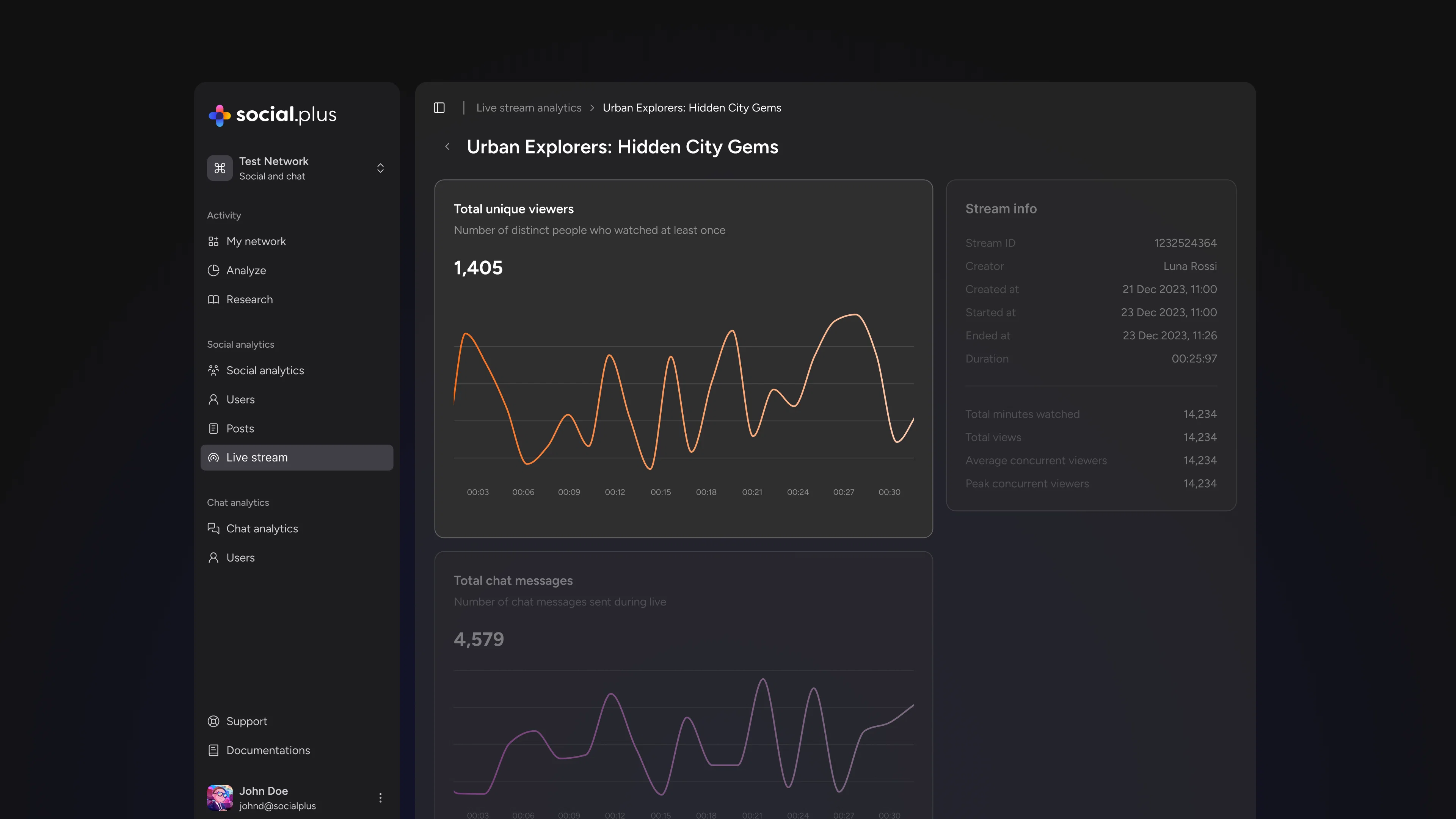
Minutes watched per user is the summary verdict. The minute-by-minute viewer timeline is the explanation.
Mapping where viewers entered, dropped off, and spiked during an individual stream turns an abstract performance number into a concrete production guide. The opening two minutes carry the most consequential drop-off, and startup delay compounds the problem: Mux’s 2026 analysis of live streaming metrics found that every six-second delay in stream start time produces roughly a 6 percent increase in viewer bounce (Mux, 2026). A steep drop in the first two minutes is a hook problem, not a content problem, and the fix is structural: open with the most valuable thing there is to say, not a setup for it.
Mid-stream valleys usually correspond to a segment transition, a slower explanatory section, or a moment where the stream lost momentum. Spikes are just as instructive as valleys. A live Q&A that consistently produces a retention spike across multiple streams shows that an audience values interaction. A product demo that outperforms a talking-head segment shows that visual, concrete content works better for that audience than explanation alone.
Five Ways to Move the Number
Understanding what minutes watched per user measures is half the work. These five changes reliably move it.
- Open with value, not setup. Lead with the most useful or compelling thing in the entire stream instead of warming up to it. The audience that stays for the opening minute is almost always the audience a stream keeps.
- Build in pattern interrupts before predictable drop-off points. Once a few streams of minute-by-minute data exist, introduce a change in energy, format, or visual just before a known drop-off moment, not at it, to reset attention before it drifts.
- Give viewers a reason to stay beyond the current moment. Previewing what is coming later in the stream creates an open loop that pulls viewers forward, a technique well established in broadcast production.
- Make the stream interactive at the moments that need it most. Audience questions, polls, and direct acknowledgment of chat are retention mechanics, not just engagement tactics. Structure interactive moments around the timestamps where the data shows viewers typically leave.
- Audit the endings. Phrases that signal the end of valuable content, like “to wrap things up,” trigger measurable drop-off. Ending on substance instead of wind-down shapes whether a viewer comes back for the next stream.
Where Minutes Watched Fits in Your Live Stream Metrics Stack
Minutes watched per user is the single most diagnostic number in live streaming, but it is one metric inside a larger system. Reading it in isolation misses half the picture.
For a broader view of which live stream metrics actually drive decisions, alongside the ones most teams track but should not, see The Live Stream Metrics That Actually Move the Needle. That article maps the full metrics landscape; this one is the deep dive on the single number worth watching most closely.
In practice, minutes watched per user lives inside the live video infrastructure alongside the tools that generate the interaction data behind it. social.plus’s video infrastructure powers the stream itself, the same infrastructure behind an in-app livestream, while social.plus analytics surfaces minutes watched per user, the minute-by-minute timeline, and percent-change comparisons across a stream history in one dashboard, so the summary metric and the timeline breakdown stay in the same view instead of two separate reports.
Frequently Asked Questions
What is minutes watched per user?
Minutes watched per user is a live streaming metric that measures the average amount of time each unique viewer spends watching a stream. It is calculated by dividing total minutes watched, sometimes reported as estimated minutes watched, by the number of unique viewers, which turns a raw watch-time total into a per-viewer measure of engagement rather than reach.
How do you calculate minutes watched per user?
Minutes watched per user equals total minutes watched, or estimated minutes watched, divided by the number of unique viewers for that stream. For example, a stream with 20,000 total minutes watched and 1,000 unique viewers has a minutes watched per user of 20.
What is a good minutes-watched benchmark for live streaming?
There is no single benchmark that fits every format, since a short product update and a long-form event naturally produce different numbers. The most reliable benchmark is a rolling average across the last 10 streams of the same format, tracked over time to confirm the trend is climbing rather than flattening or declining.
Minutes watched per user will not fix a weak opening or a mismatched promotion on its own. What it does is give a team an honest, per-viewer measure of whether live content is earning attention or losing it, stream after stream. Tracked consistently and read against the patterns above, it grounds a live streaming strategy in what an audience actually does instead of what a peak viewer count implies.
See social.plus pricing to add live stream analytics, including minutes watched per user and the minute-by-minute timeline, to a live streaming stack.