How to Prompt the MCP Server for Your Industry Use Case
The agent does the SDK lookup. Your job is describing the feature clearly enough that the lookup returns something useful. That description changes significantly depending on what kind of platform you are building for: what the user does, what the social mechanic is, and what the outcome looks like in that context.
When an MCP server is connected in your IDE, the agent decides when to use it. You describe a feature in natural language, the agent identifies that SDK documentation context is relevant, and it pulls from the MCP reference to ground its response. The quality of what comes back depends much more on how you describe the feature than on anything technical about the connection.
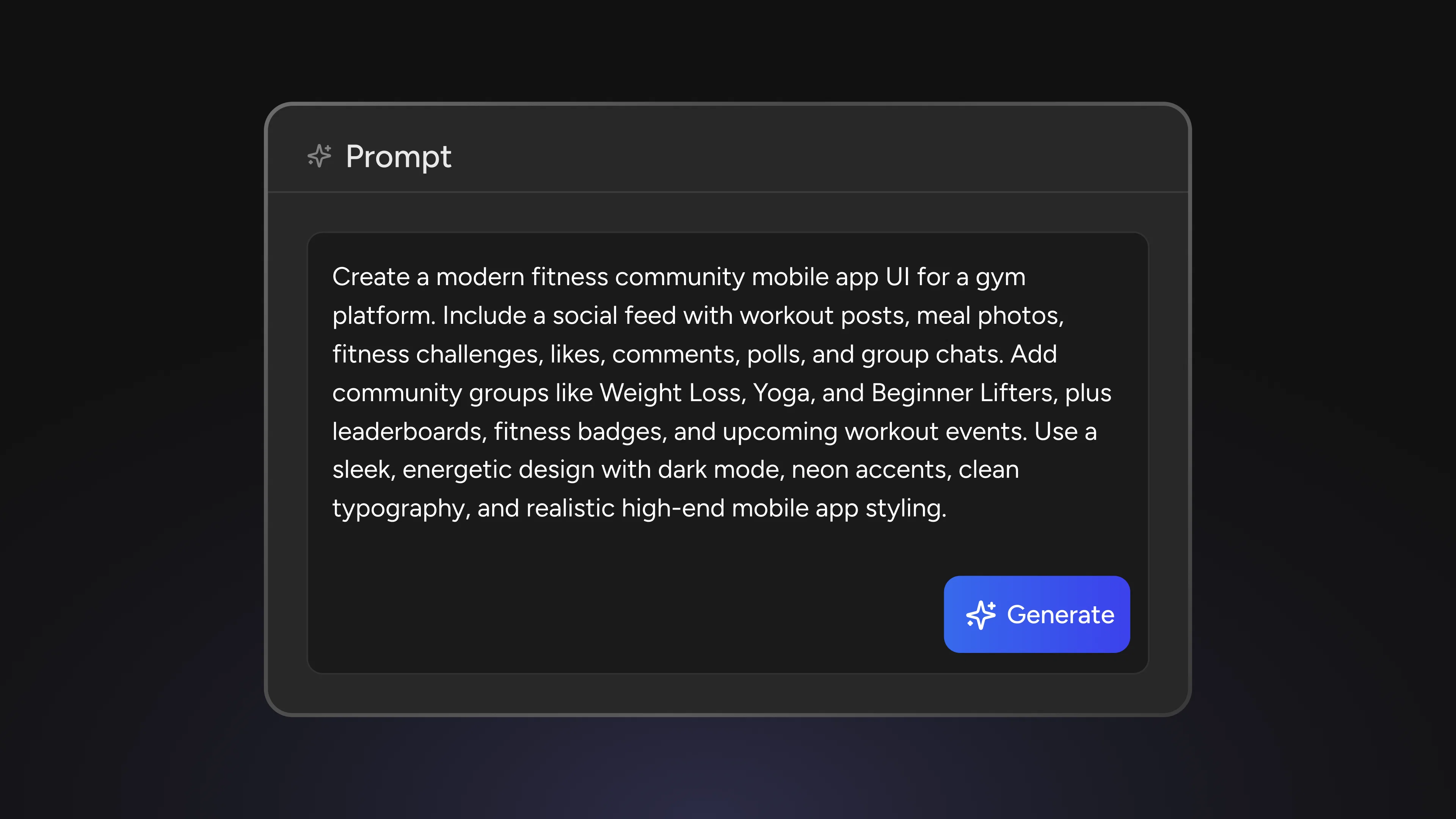
The most common mistake is describing an outcome rather than a feature. "I want users to be more engaged" tells the agent almost nothing. "I'm building a fitness app, add a community feed where users post their workout results and others can react and comment" gives it the platform type, the social mechanic, and the user behaviour: enough to map intent to the right SDK components and return something buildable.
Industry context is not decoration. The same capability, a live event with an interactive chat layer, works differently for a sports platform (high-concurrency, public, reactions-focused) than for a wellness platform (smaller groups, more conversational, reminder-driven). The more the description reflects the actual product, the more accurate the scaffold.
Fitness and Wellness Platforms
Start with the social layer that drives return visits, not the live session layer. Group accountability, progress sharing, and community feeds are what keep users coming back between workouts. They are also simpler to scaffold and easier to validate quickly. Build the feed and group features first, confirm they behave as expected, then add the live session layer on top. Prompting for the full live workout experience before the community foundation is in place tends to produce scaffolding that is harder to debug when something goes wrong.
When building live workout sessions, name all three components in one prompt. The live workout experience spans three SDK surfaces: event scheduling and RSVP, live stream, and real-time chat during the session. Prompting them together, "I'm building a live workout session for a fitness app where users RSVP ahead of time, join a live stream, and can send reactions during the class," gives the agent what it needs to scaffold the connections between components rather than treating each one as isolated. Separate prompts for each surface tend to produce disconnected implementations that need manual wiring.
For debugging notification issues, describe the full user path, not just the failing call. Notification behaviour in group and event features depends on member state, permission settings, and the event type. When a notification is not delivered, "the SDK call completes without error but no notification arrives" is not enough context. Adding the member's join state, what notification settings are enabled, and the event type being triggered gives the agent the context to identify whether the issue is in configuration, in the call sequence, or in documented expected behaviour for that combination.
Retail and Commerce Platforms
Build the feed and the product association layer as separate tasks. A community feed and the ability to tag products within it are different SDK surfaces. Scaffolding them in the same prompt often produces a result that conflates the two and is harder to test. Prompt for the feed structure first, confirm posts, reactions, and comments work correctly, then add the product reference layer in a second prompt. This produces cleaner code and a clearer debugging path if either layer behaves unexpectedly.
Name the discovery intent when building live brand sessions. A live content session where a host presents products and viewers send questions serves a different intent than a broadcast where reactions are the primary interaction. The former is conversational and moderation-heavy; the latter is high-volume and reaction-focused. Naming which one applies changes the SDK configuration the agent returns, particularly around message rate limits, host controls, and how incoming viewer messages are surfaced. "Our host is running a Q&A session where they respond to selected viewer questions" produces different scaffolding than "our host is presenting while viewers react in real time."
When prompting for interest-based groups, specify the permission model. Groups organised by product category or brand can be public (anyone joins), curated (members request access), or invite-only. The agent defaults to the most permissive model unless you specify otherwise. If your product requires moderated groups or invite-only access, include it in the prompt. Retrofitting permissions after the group structure is scaffolded requires touching member management logic that is easier to get right from the start.
Sports and Media Platforms
Name the scale of the live event, not just the feature. High-concurrency live events (a major match broadcast, a product launch with a large audience) need different SDK configuration than lower-volume sessions. The chat SDK handles message delivery differently depending on the expected volume, and the agent returns the relevant configuration when it understands the scale. A prompt that says "thousands of concurrent viewers" signals a different implementation requirement than one describing a smaller group session. Getting this wrong early means refactoring the live chat layer later under load.
Build the live-to-archived transition as a separate task. Moving from a live chat during a match to a persistent discussion thread attached to the completed event is a distinct workflow from the live session itself. Prompting for both in the same task produces scaffolding that is difficult to test because the transition logic depends on the live session having ended. Build the live chat, validate it, then prompt specifically for the post-event transition: what state the event moves to, how the thread persists, and how new messages after the broadcast behave differently from live ones.
For reaction overlays during live streams, specify the render target separately. Emoji reactions that appear as floating overlays over the video are a rendering concern as much as an SDK concern. The agent can scaffold the SDK event handling for reactions, but the visual rendering depends on your client framework. Prompting for "reactions that float over the video" in a single call mixes the SDK layer with the UI layer and tends to produce responses that conflate both. Ask for the SDK reaction event handling first, then ask separately about the render pattern for your specific framework.
Travel and Hospitality Platforms
Distinguish location-based grouping from interest-based grouping early. Destination communities and interest communities look similar on the surface but use different grouping logic. Location-based groups associate members with a place; interest-based groups associate members with a topic or category. The SDK handles them through different mechanisms, and the agent returns the right one when your prompt is clear about which model applies. "Groups organised around travel destinations" and "groups organised around travel interests like adventure or budget travel" are different features despite serving the same general use case.
When building traveller-to-traveller messaging, scaffold the group feature first. Direct messaging between users who meet through a destination group depends on the group membership being established first. Prompting for the full flow (join group, connect with member, start private conversation) in one pass produces scaffolding that assumes each step is complete when it may not be. Build the group join flow first, confirm it works, then prompt for the connection-to-conversation transition as a second task. The handoff between the two is the most likely point of failure and is easier to test when each part is built and verified independently.
For post and story features, include media type and geographic tag requirements in the prompt. Travel content typically involves photos and location associations. "Add a feed where users post trip experiences" returns generic feed scaffolding. "Add a feed where users post photos with a destination tag and optionally a trip date" gives the agent the field structure it needs to return a scaffold that handles the actual data model. Media type (photo, video, mixed), attachment behaviour, and metadata fields are worth including in the prompt when they are known, because retrofitting them changes the post schema.
The Prompt Adjustment That Changes Everything
Across every industry, the single most useful refinement is adding the SDK environment: iOS, Android, React Native, or Web. Implementations differ across platforms, and the agent returns environment-specific code when it knows which one applies. Without it, the scaffold may be accurate to the feature but wrong for your build target.
The second adjustment worth making consistently is to name what is already built. If authentication is complete, if the user model is in place, if groups are already working and you are only adding messaging, including that context prevents the agent from restating steps you have already completed. The response focuses on what is actually left to build.
Setup instructions for Claude Desktop, Cursor, and VS Code are at learn.social.plus/ai-mcp. If you are evaluating the platform for your use case, the social.plus team is at social.plus/contact/contact-sales.