How to Host a Community Event That People Actually Show Up To (And Come Back For)
Here is the number that should change how you think about community events: free events have a 50% or higher no-show rate compared to paid ones. Not slightly higher. Dramatically higher.
Most community events are free. Which means, on average, half the people who RSVP will not show up. And the teams hosting those events almost always diagnose the problem the same way: not enough promotion, wrong timing, low awareness. Usually, that diagnosis is wrong.
The real problem is commitment. An RSVP with no friction attached is barely a signal of intent. It is a click someone made while scrolling, with every intention of deciding later. Later almost always becomes no.
The good news is that commitment is something you can build deliberately, before the event, during it, and after. This guide covers the full lifecycle of a community event, what to do at each stage, and how to use the tools inside social.plus Events to make it compound over time.
Before the Event: Build Commitment, Not Just Sign-Ups
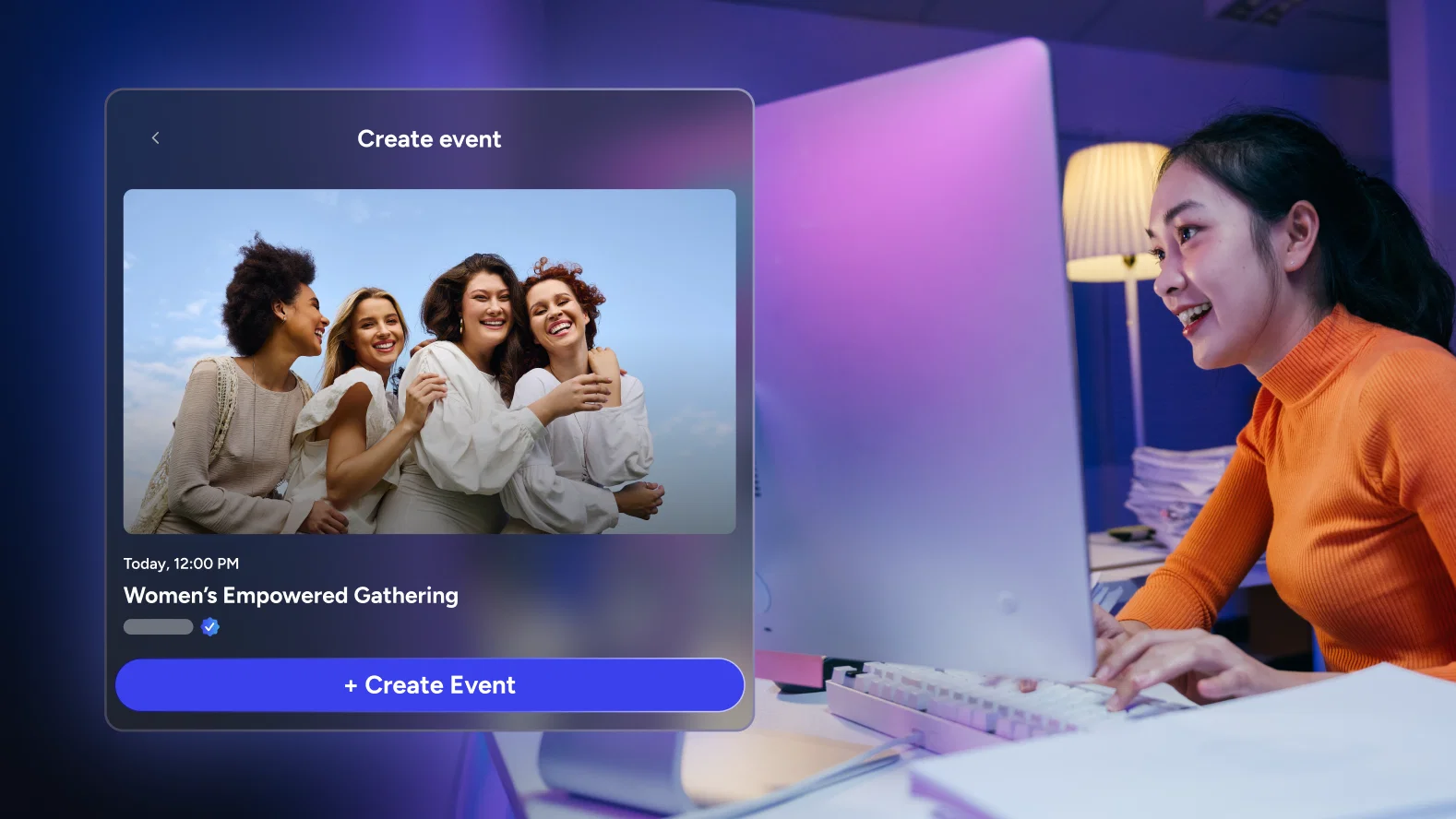
Write an event description that earns the RSVP
Most event descriptions answer the question of what is happening. The ones that drive real attendance answer a different question: why does it matter that I am there for this, specifically, right now.
The difference in practice is specificity. A description that says 'join us for a live workout session with our coaches' generates a casual maybe. A description that says 'this week's session focuses on the upper body strength sequence our most advanced members have been requesting for three months, and Coach Mia will be taking live form corrections in real time' generates a reason to be there.
Specificity signals that the event has real content behind it. It also self-selects for the members who will actually benefit from attending, which means your RSVP list is a better quality list even if it is smaller.
Use your RSVP list as a pre-event engagement tool, not a headcount
The moment someone RSVPs is the highest point of their intent. Most platforms capture that moment and do nothing with it until a reminder goes out the morning of the event. By then, the intention has faded and competing priorities have filled the space.
Your attendee list gives you a real-time view of who has committed. Use that list actively. Send a message to confirmed attendees a few days before with something they would not want to miss: a preview of what will be covered, a question to think about in advance, or a piece of content that connects to the event topic. You are not just reminding them the event exists. You are giving them a reason to stay invested in it.
Let reminders do more than remind
Automated reminders are standard practice for a reason. Reconfirmation messages sent 24 to 48 hours before an event reduce no-shows by up to 30%. But the content of the reminder matters as much as the timing. A reminder that says 'your event starts tomorrow at 7pm' does the minimum. A reminder that says 'tomorrow's session is already at 80% capacity, here is what we will be covering in the first 15 minutes' does something more important: it rebuilds anticipation.
Automated reminders are most effective when the content reflects the actual value on offer, not just the logistics. Use your event description and title to ensure every reminder touchpoint reinforces why attending is worth the time.
Worth noting: The quality of your event description directly shapes the quality of your RSVP list. Vague descriptions attract casual interest. Specific ones attract genuine intent. A smaller list of people who actually plan to attend is more useful than a large list built on impulse sign-ups.
Going Live: The Opening, the Moderation Layer, and the Co-Host Strategy
Treat the first three minutes as a separate problem
The opening of a live event is the highest-stakes moment in the entire experience. Members who showed up are making a real-time decision about whether this was worth it. The ones who are close to dropping off are making that decision in the first few minutes.
The most common mistake is using the opening to warm up: welcoming people, doing housekeeping, waiting for more attendees to join. Every one of those things signals to the people already there that the value has not started yet. Start with something real. A question, a surprising piece of information, the most compelling thing you have to say. Give people a reason to stay before you ask them to be patient.
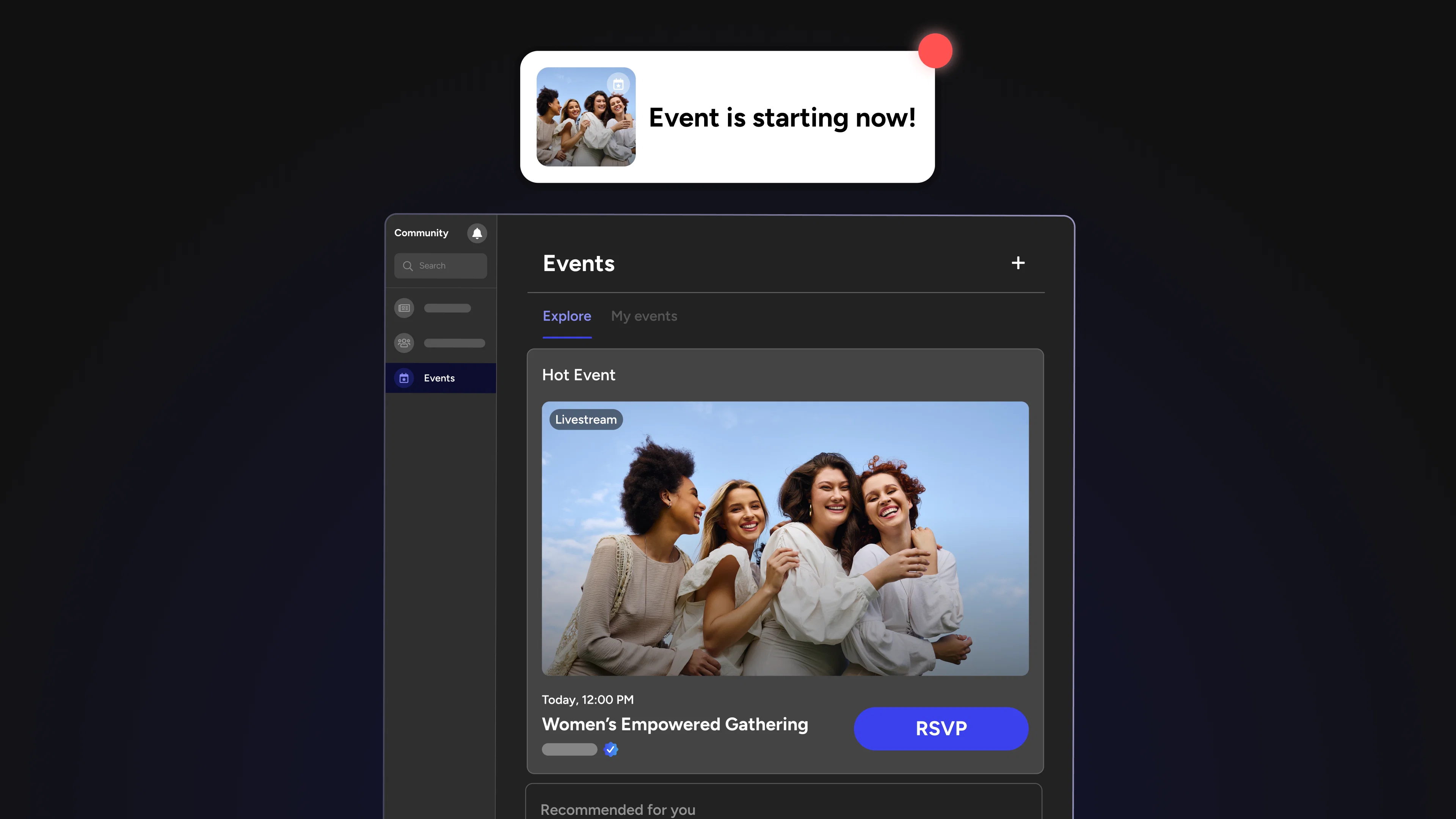
For livestream events, the discovery moment when a member sees a live indicator and taps in is valuable only if the experience they find immediately justifies the decision to stay.
Moderation is invisible when it is working
A community event without active moderation is a very different experience from one that is being managed in real time. In the best-run events, attendees never notice the moderation layer at all. What they notice is that the conversation stays on topic, off-topic or disruptive contributions do not take over the room, and the host is never visibly distracted by what is happening in the chat.
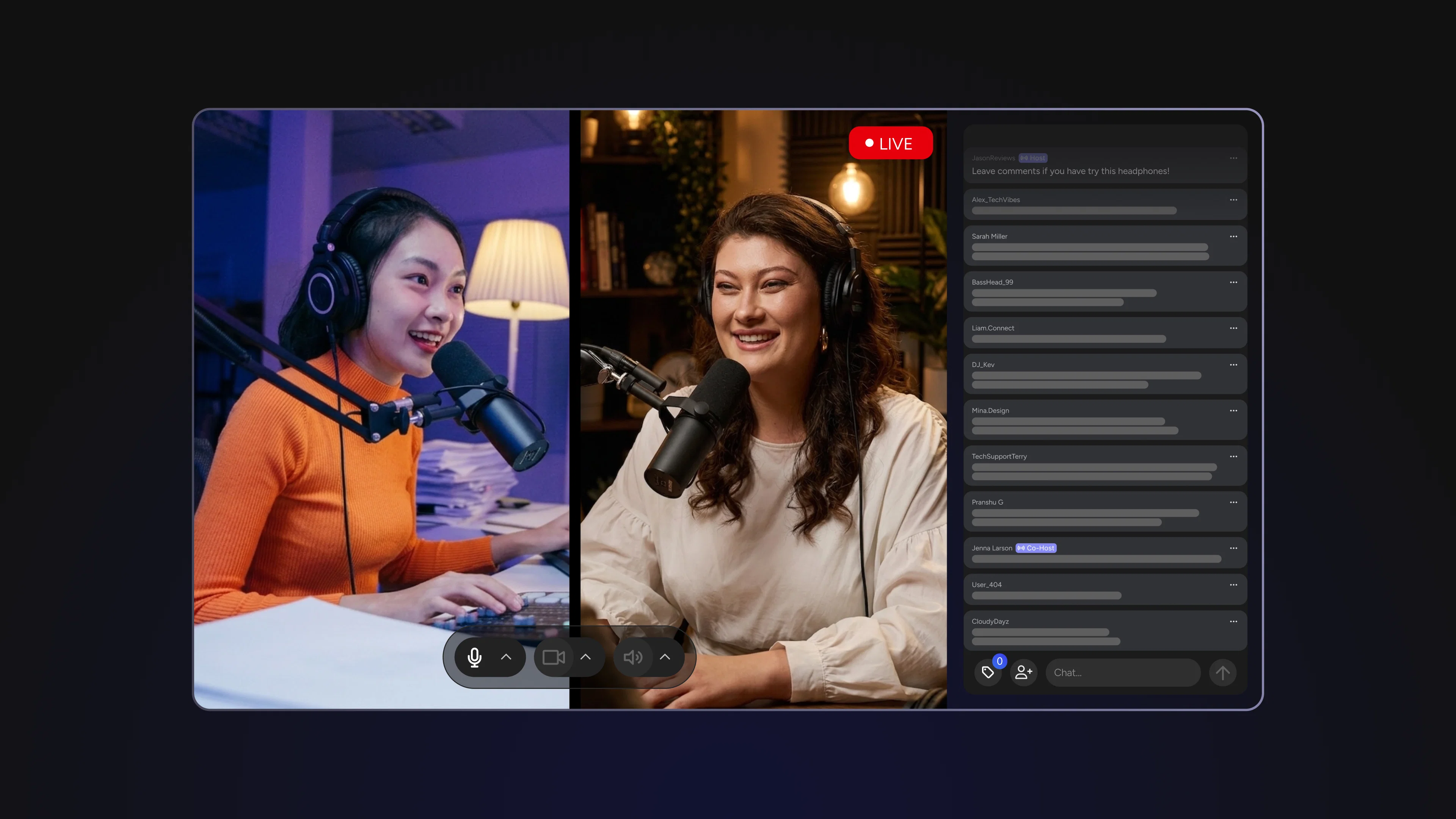
The best event platforms allow community managers to moderate livestream chats in real time without disrupting the attendee experience. That separation matters. The person hosting the event should be focused on the audience, not managing the feed.
Assign a dedicated moderator for any event where the chat is expected to be active. Their job is not just to remove problematic content. It is to surface the best questions, highlight moments worth amplifying, and keep the energy of the conversation aligned with the energy of the event.
Co-hosts change the dynamic in ways a solo host cannot
A single host running a live event carries all of the energy, all of the conversation, and all of the contingency management alone. A co-host changes the fundamental dynamic of the experience. The back-and-forth between two hosts is more natural to watch than a monologue. It creates a buffer when one host needs a moment to regroup. It also signals production quality, the event feels more considered, more built.
Co-streamer support and multi-stream capability, running across multiple camera angles simultaneously, raises the production ceiling significantly. For communities where the event format allows it, even a single co-host changes what the experience can be.
For livestream events: Keep your RSVP attendee list open on a second screen during the event. Acknowledging members by name when they join, especially regulars, creates a moment of personal connection that holds attention and signals to everyone watching that their presence is noticed.
After the Event: The Step Most Platforms Skip Entirely
The event ending is where most community platforms stop. The stream goes offline, the event page goes quiet, and the next event gets scheduled. Everything that happened is effectively archived.
That is a missed opportunity with real consequences. The period immediately after an event is when attendee sentiment is highest. People who had a good experience are most likely to share it, engage with follow-up content, and convert from occasional attendees into regulars. The window is short. Most teams do not use it.
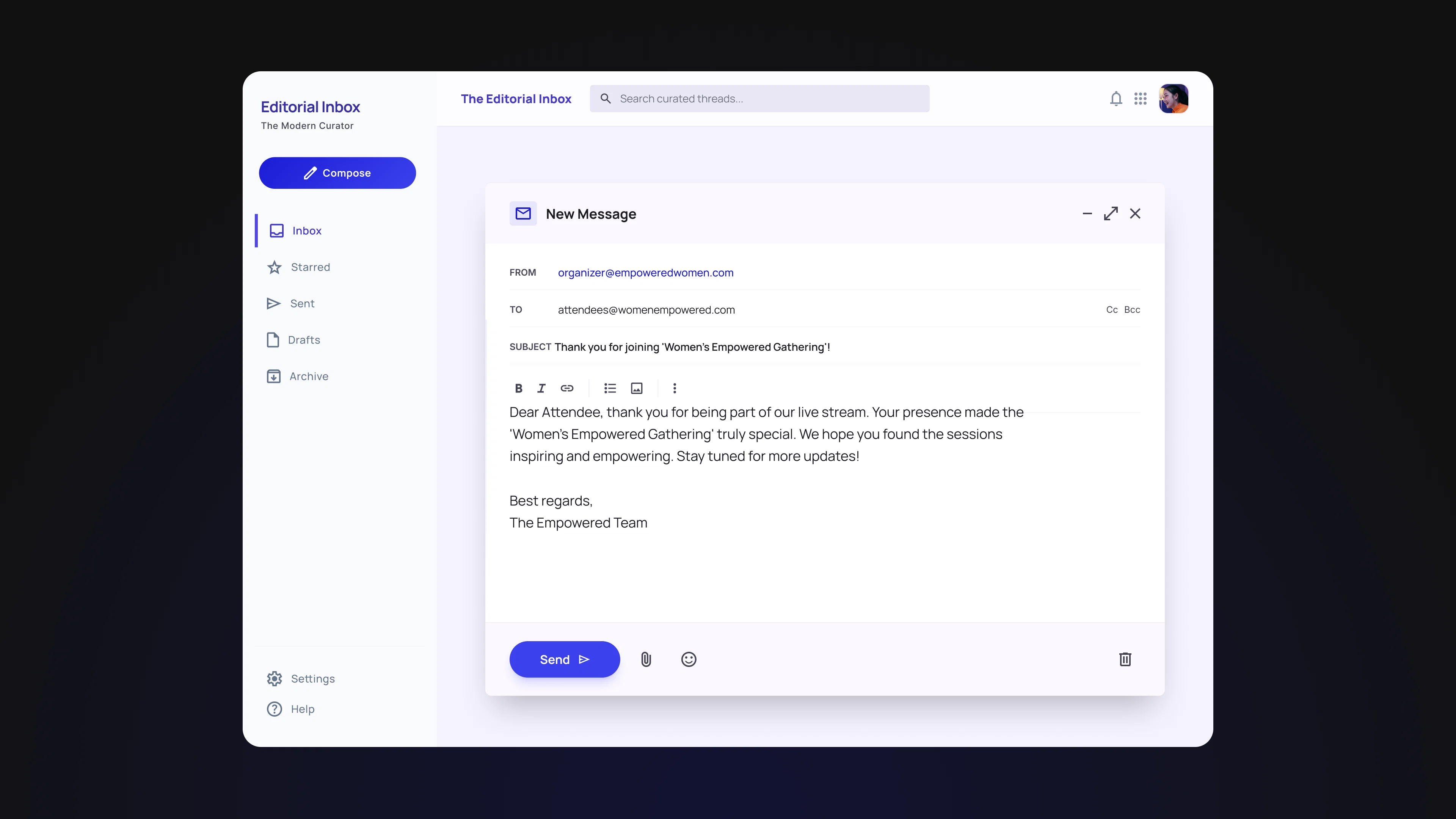
Send a follow-up to attendees within 24 hours.
Not a generic thank-you. Something specific to what happened in that event. A reference to a moment that landed well, a question that came up in the chat that deserves a fuller answer, or a resource that connects to the topic covered. This signals that the event was not just produced and forgotten, and it gives attendees something to share with members who did not attend.
Follow up with no-shows differently
Members who RSVPed but did not attend are not lost. They expressed intent once. A short message that acknowledges they missed it, shares one thing they would have found valuable, and surfaces the next upcoming event keeps them in the consideration set. Ignoring no-shows entirely guarantees they do not come back.
Make the event discoverable after the fact
Make the event discoverable after the fact. An events feed that surfaces past events alongside upcoming ones lets members who discover the community later see what has already happened. That signals an active, programmed community rather than a dormant one, and it is part of what turns first-time visitors into members.
Using Analytics to Improve the Next One
A community event that produces no data is a missed learning opportunity regardless of how well it went. The teams that improve consistently are not necessarily the ones running the best events right now. They are the ones building a feedback loop that makes each event better than the last.
Every event should produce at least one data point you did not have before. Attendance rate, engagement peaks, drop-off moments, post-event activity — over time, that data builds a picture that no single event can provide on its own.
- Track your RSVP-to-attendance conversion rate across events. This is the metric that most directly measures the commitment problem. If your rate is consistently below 50%, the issue is in your pre-event communication. If it is climbing over time, what you are doing before the event is working.
- Look at engagement peaks in the minute-by-minute breakdown. The moments in a livestream where viewers held their attention or engagement spiked are your production notes for next time. What was happening at those timestamps? More of that belongs in every future event.
- Compare events of the same format over time. A recurring weekly workout session or a monthly Q&A should be improving in attendance and engagement over its first several iterations as your community builds familiarity with the format. If it is not, the format itself may need to evolve.
- Note what the post-event period looks like in the data. If engagement on your community platform rises in the 24 to 48 hours after an event, your post-event follow-up is working. If it goes flat immediately, the event is not converting into ongoing community activity, which is the most important long-term outcome.
Building Events That Compound
A single well-run event is valuable. A consistent cadence of well-run events, each informed by the data from the last one, is what actually builds community.
The difference between a community that members drift away from and one they keep coming back to is almost always the presence of anticipated recurring moments. Events create that rhythm. The infrastructure in social.plus Events handles the scheduling, discovery, RSVP, reminders, moderation, and analytics. The work is in using each of those touchpoints deliberately, from the first word of the event description to the follow-up message sent the morning after.
Start with one event. Run the full lifecycle. See what the data shows. Then do it again better.