What's new in social.plus | May 2026
This month we went deep on analytics and sentiment, giving teams more control over how insights are configured and applied.
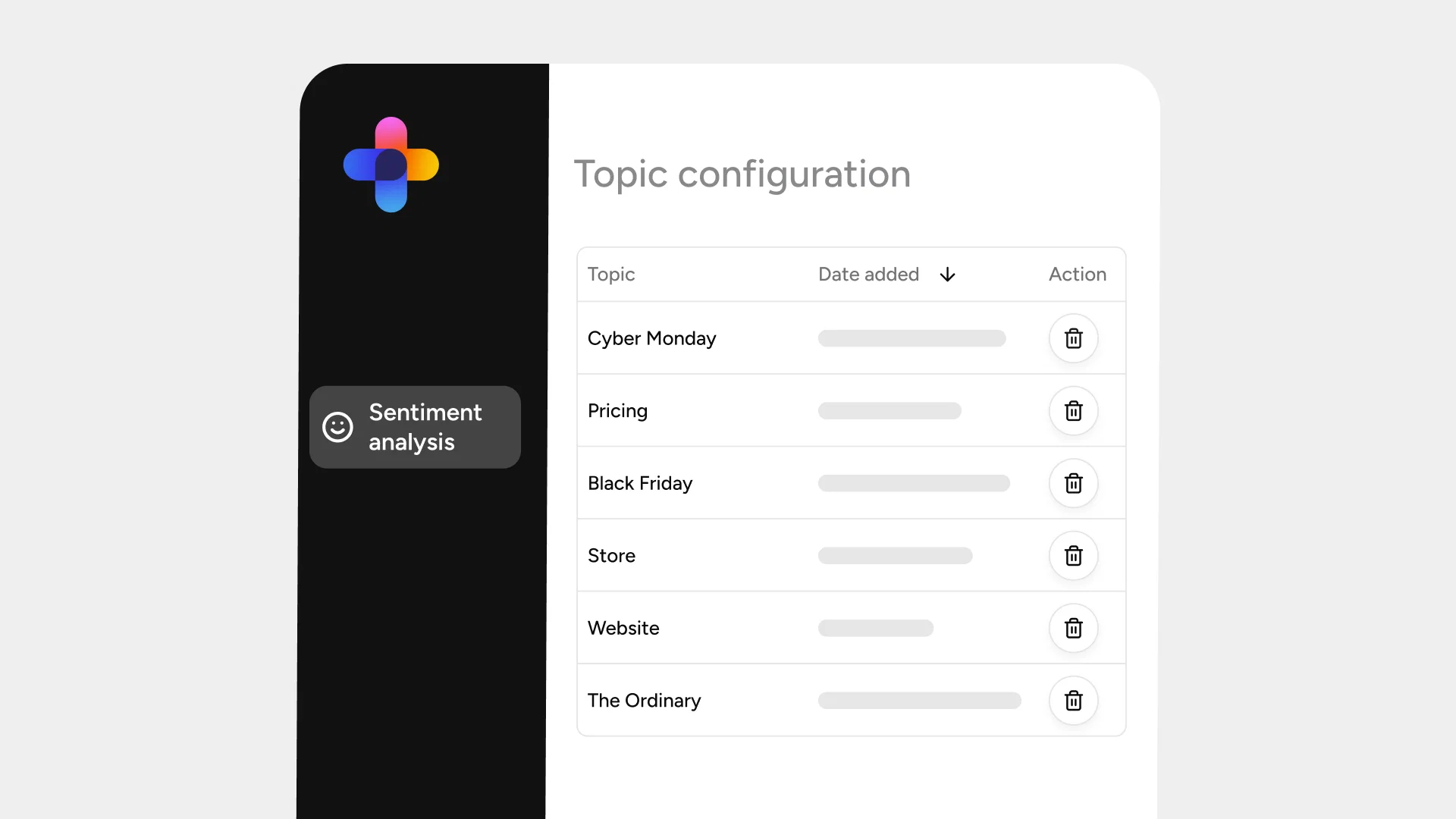
Custom Sentiment Keywords and Categories Configuration
[[pu-dashboard="/cta"]]
Admins can now configure sentiment analysis directly from the Console. Define custom categories, add keyword sets, tune sentiment scales to match your business context, all without engineering support.
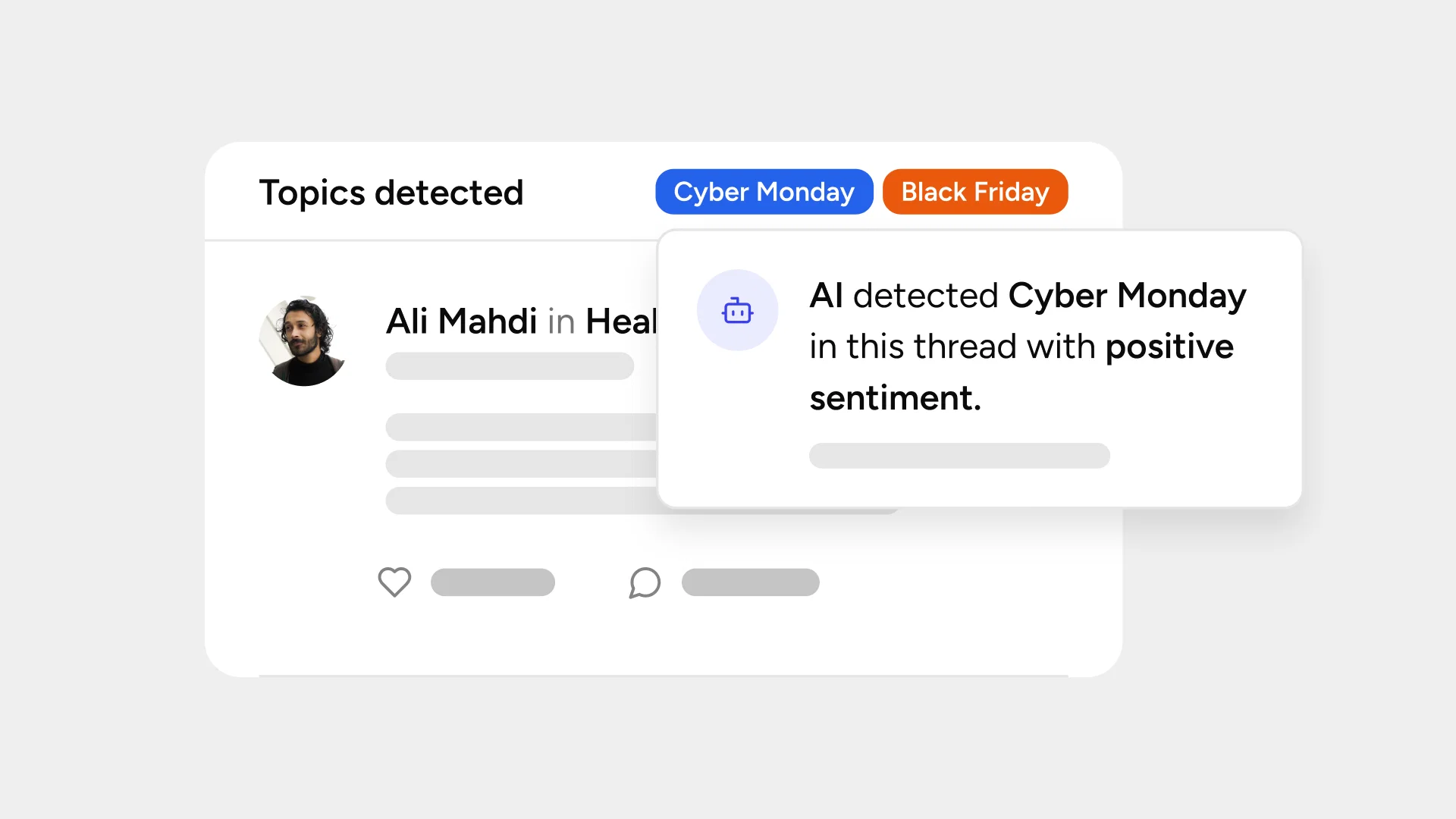
Keyword-Level Sentiment Override for Individual Posts
[[pu-dashboard="/cta"]]
Admins and community managers can now select a specific post and override keyword-level sentiment outputs directly from the Sentiment Dashboard. Mark keywords as positive, neutral, or negative to reflect real business context and nuances along with optional notes for full transparency and control.
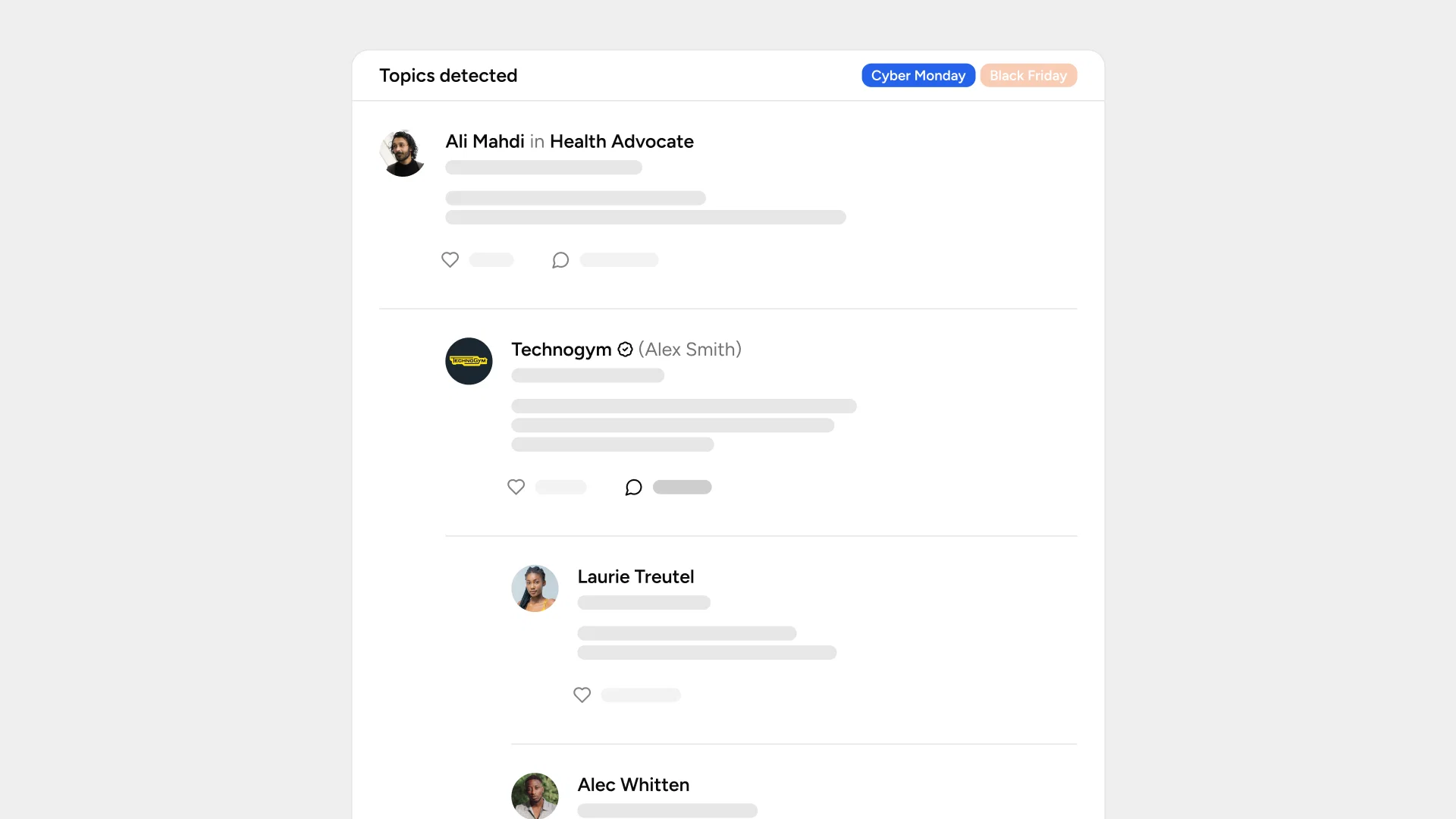
Full Comment Coverage for Sentiment Analysis
[[pu-dashboard="/cta"]]
Sentiment analysis now covers all comments on a post. Get complete and accurate sentiment insights on high-engagement discussions including product launches, viral posts, and active threads along with confidence indicators.
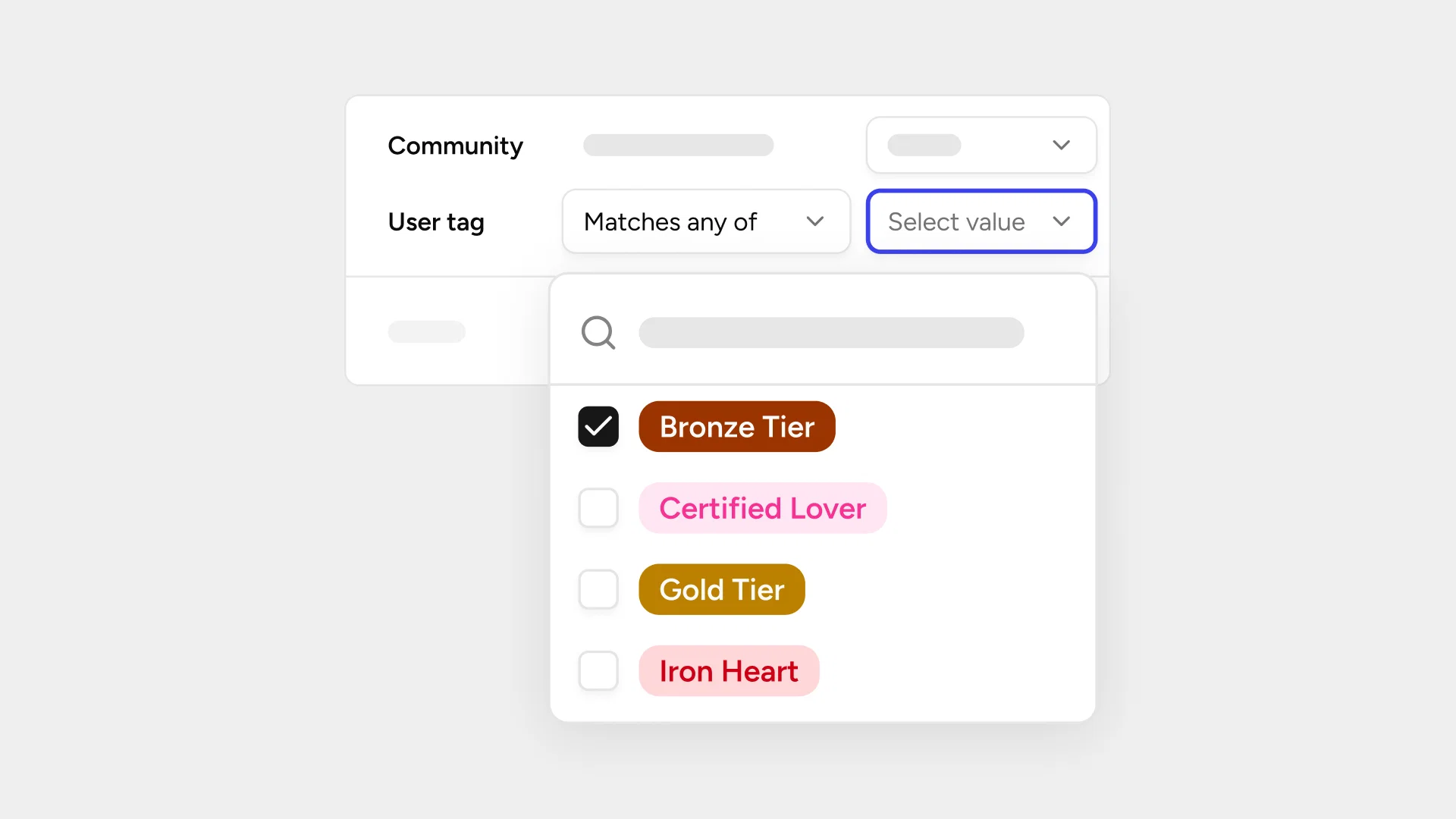
Filter Social Insights by User Tags
[[pu-dashboard="/cta"]]
Admins can now filter social insights and sentiment analysis results by custom user tags to understand sentiment patterns across different user segments. User tag filtering works as a separate filter from the existing group filter, keeping analysis focused and straightforward.
We also added
- UIKit Localization Support for Social Features: The UI Kit now includes a localization API, letting you add any language or override individual strings without forking the UIKit
- AI Moderation Deletion Reason via Webhook: You can now receive deletion reason details in moderation via webhooks to understand which topics triggered moderation actions. Contact support to enable this configuration.
Thank you for being a part of the social.plus. Stay tuned for next month's update