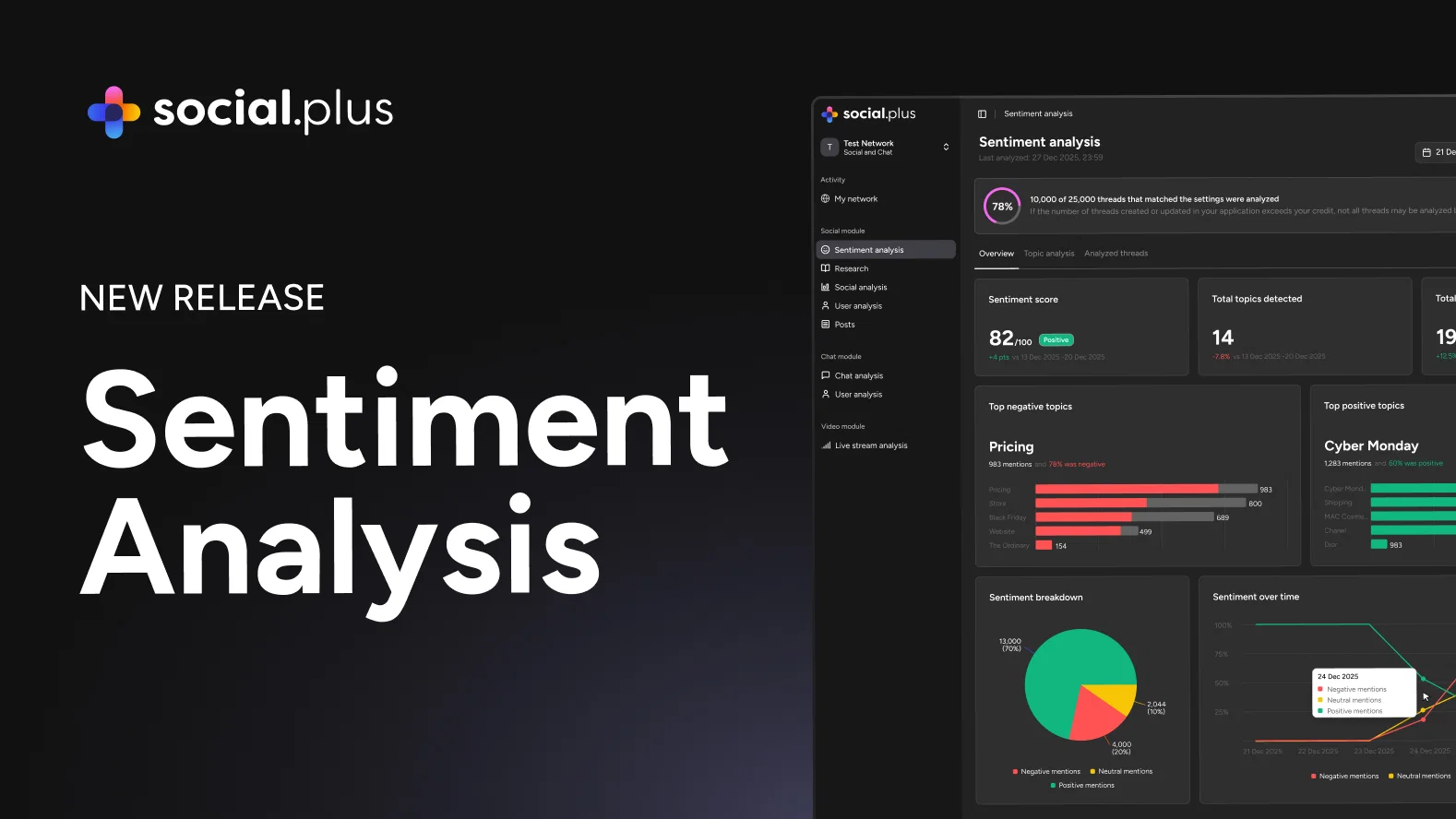
Meet social.plus Redesigned Sentiment Analysis Dashboard
social.plus Sentiment Analysis has been redesigned and expanded. The dashboard is faster and cleaner, and five new capabilities give teams real control over how sentiment is analyzed, refined, and applied to their specific business context.
What's new in Sentiment Analysis
Sentiment data is only useful when it reflects how your team actually thinks about your community. With this update, that is exactly what social.plus Sentiment Analysis delivers.
The experience has been redesigned for clarity and speed, with a new three-tab layout (Overview, Topic Analysis, and Analyzed Threads) that makes it easier to move between high-level metrics and individual post-level detail. Alongside the redesign, this release introduces full comment coverage, custom categories and keywords, keyword-level sentiment override, user tag filtering, and improved multilingual support.
Full Comment Coverage for Sentiment Analysis
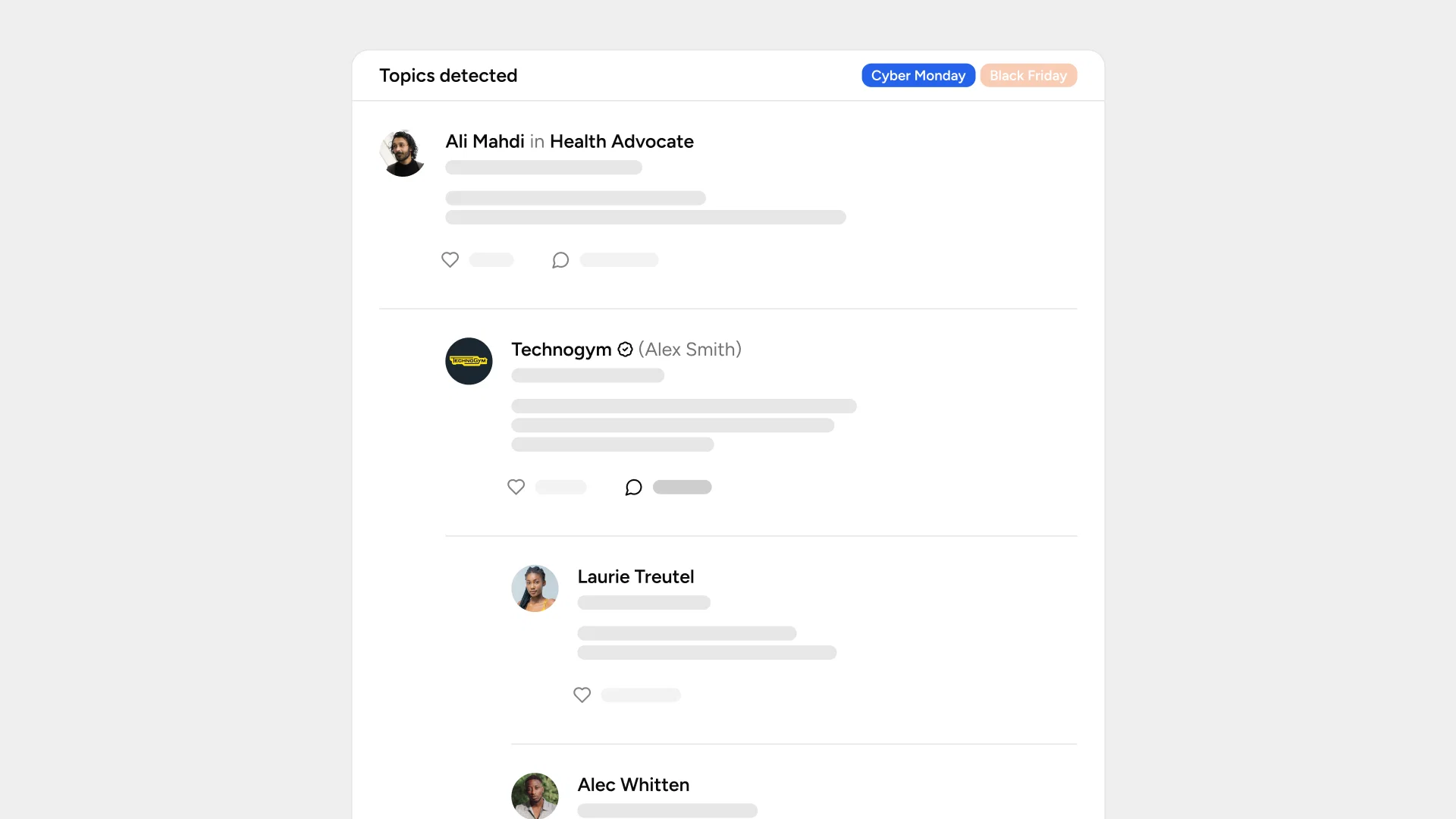
Sentiment analysis now covers all comments on a post, not just the latest 20. This matters most on your highest-engagement content: product launches, viral posts, active threads. The sentiment data you see now reflects the full conversation, with confidence indicators alongside each result so you know how reliable each reading is.
Custom Sentiment Keywords and Categories Configuration
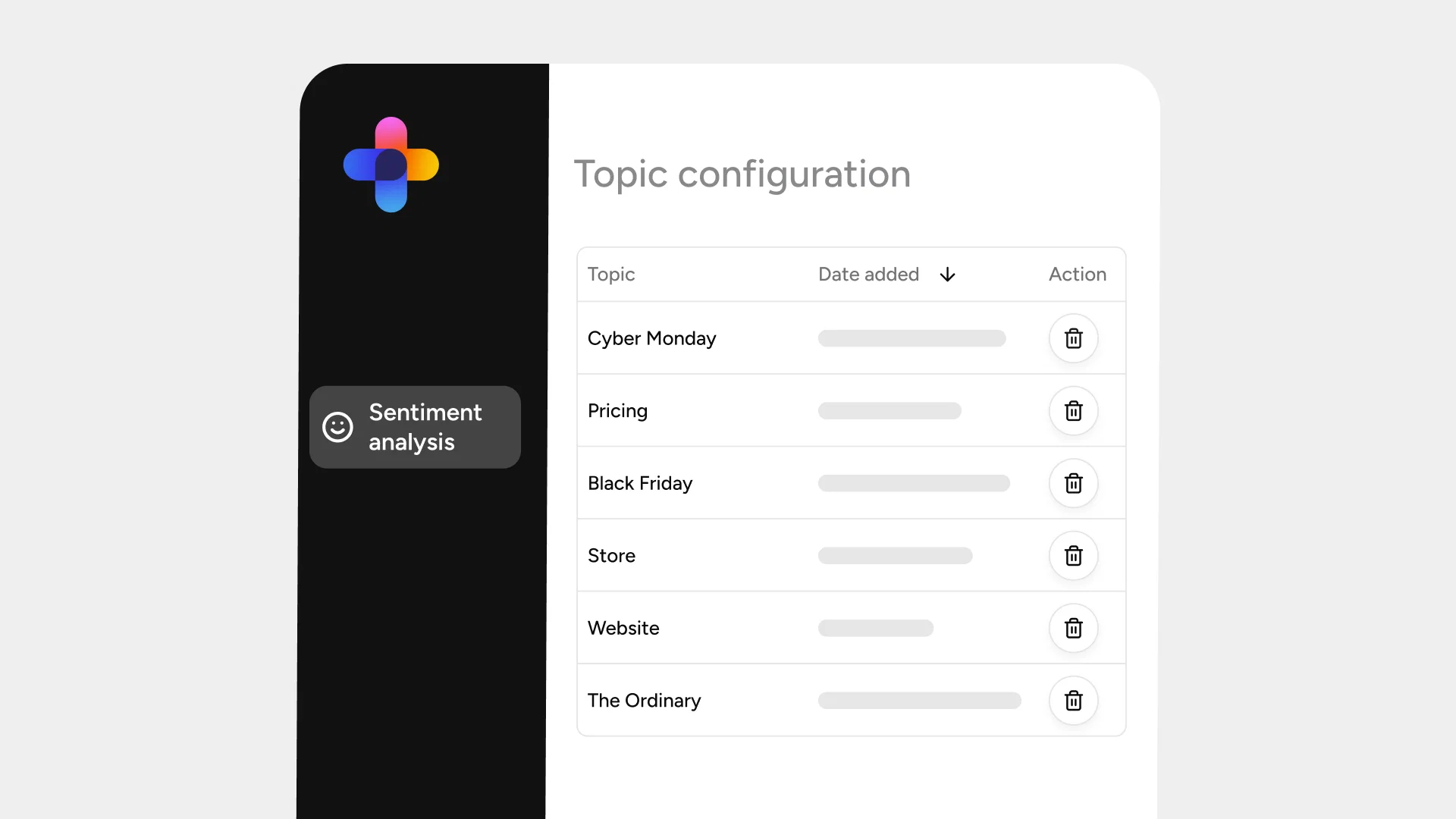
Admins can now define sentiment categories and keyword sets that match their specific business context. Whether you are tracking pricing feedback, feature requests, onboarding experience, or anything else specific to your community, the categories are yours to create, edit, and remove at any time.
Keyword-Level Sentiment Override for Individual Posts
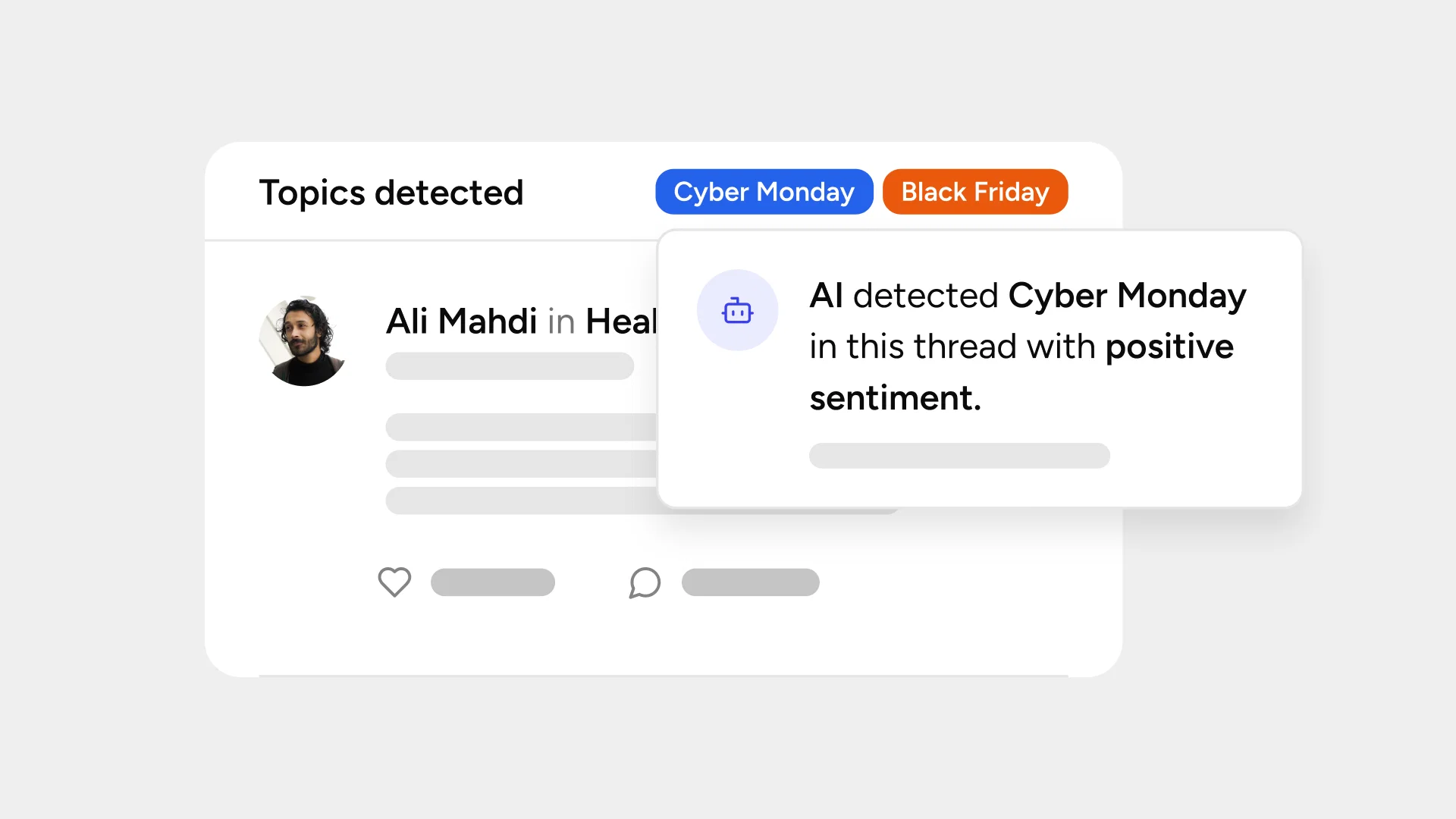
When a keyword's sentiment needs adjusting, you can now refine it directly from the dashboard. Select any post under Analyzed Threads to see the topics and keywords detected along with their sentiment. From there, choose the correct sentiment (positive, neutral, or negative) and add an optional context note. Overrides stay in effect until you remove them, and override indicators are visible in your analytics so your team always knows where human refinement has been applied.
Filter Social Insights by User Tags
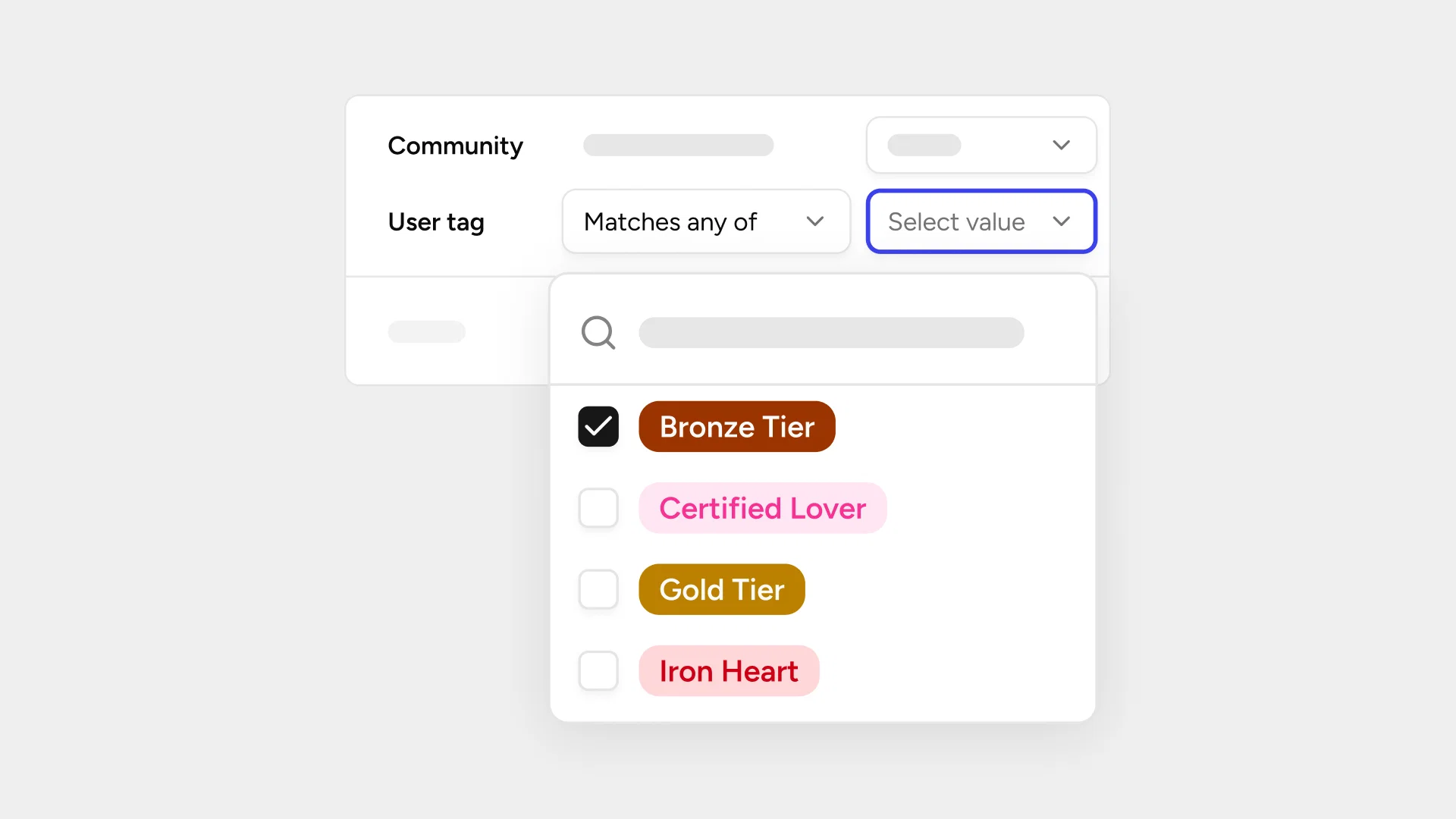
Sentiment data is now filterable by custom user tags. Instead of seeing only how your community feels overall, you can drill down into specific user segments and compare how sentiment differs between them. The user tag filter works independently from the existing group filter, keeping your analysis focused and easy to read.
Multi-language Support
Sentiment analysis now includes improved multilingual support with better contextual understanding and typo tolerance across all supported languages. International teams can analyze sentiment across their communities with more confidence.
Your community, your categories, your insight
Every community has its own language, its own segments, and its own definition of what matters. Sentiment analysis should reflect that. With this update, social.plus gives community teams the tools to configure how sentiment is analyzed, refine it where needed, and filter it by the audiences that matter most to their decisions.