Interaction rate is the percentage of people who saw a piece of content and took an action on it, such as a like, comment, share, or click.
What is Interaction Rate?
Interaction rate is typically tracked at the level of an individual post, but teams also roll it up by content type, creator, or time period to compare what kinds of posts perform best. The metric depends heavily on which denominator is used: impressions count every display including repeats, while reach counts only unique viewers, so the same post can show a meaningfully different rate depending on which one a team reports. Some teams also use a weighted version that counts a comment or share as worth more than a like, on the reasoning that they require more effort and signal stronger interest. A common caveat is that interaction rate alone does not indicate sentiment: a post can have a high rate driven mostly by negative comments, so teams usually pair it with moderation review or sentiment analysis before treating a spike as good news.
Why Interaction Rate Matters
Interaction rate separates content that is seen from content that works. A post with 50,000 views and 200 reactions looks impressive by reach but tells a product or community team that 99.6% of viewers scrolled past. Because it is normalized by reach, the metric lets teams compare a post shown to 500 people with one shown to 50,000 on equal terms, which is what makes it useful for deciding which content types, creators, or groups deserve more distribution. For a community team, a falling interaction rate is an early warning that the social feed is filling with content users do not care about, well before daily active users start to drop.
How to Calculate Interaction Rate
The formula is simple; the decisions are in what counts as an interaction and what the denominator is.
Interaction rate = (total interactions / impressions or reach) x 100
| Denominator | Definition | When to use it |
|---|---|---|
| Impressions | Every time the content was displayed, including repeats | Feed-level analysis where repeat exposure matters |
| Reach | Number of unique people who saw the content | Comparing posts fairly across audience sizes |
| Followers | Total audience of the account or group | Benchmarking against public social platforms |
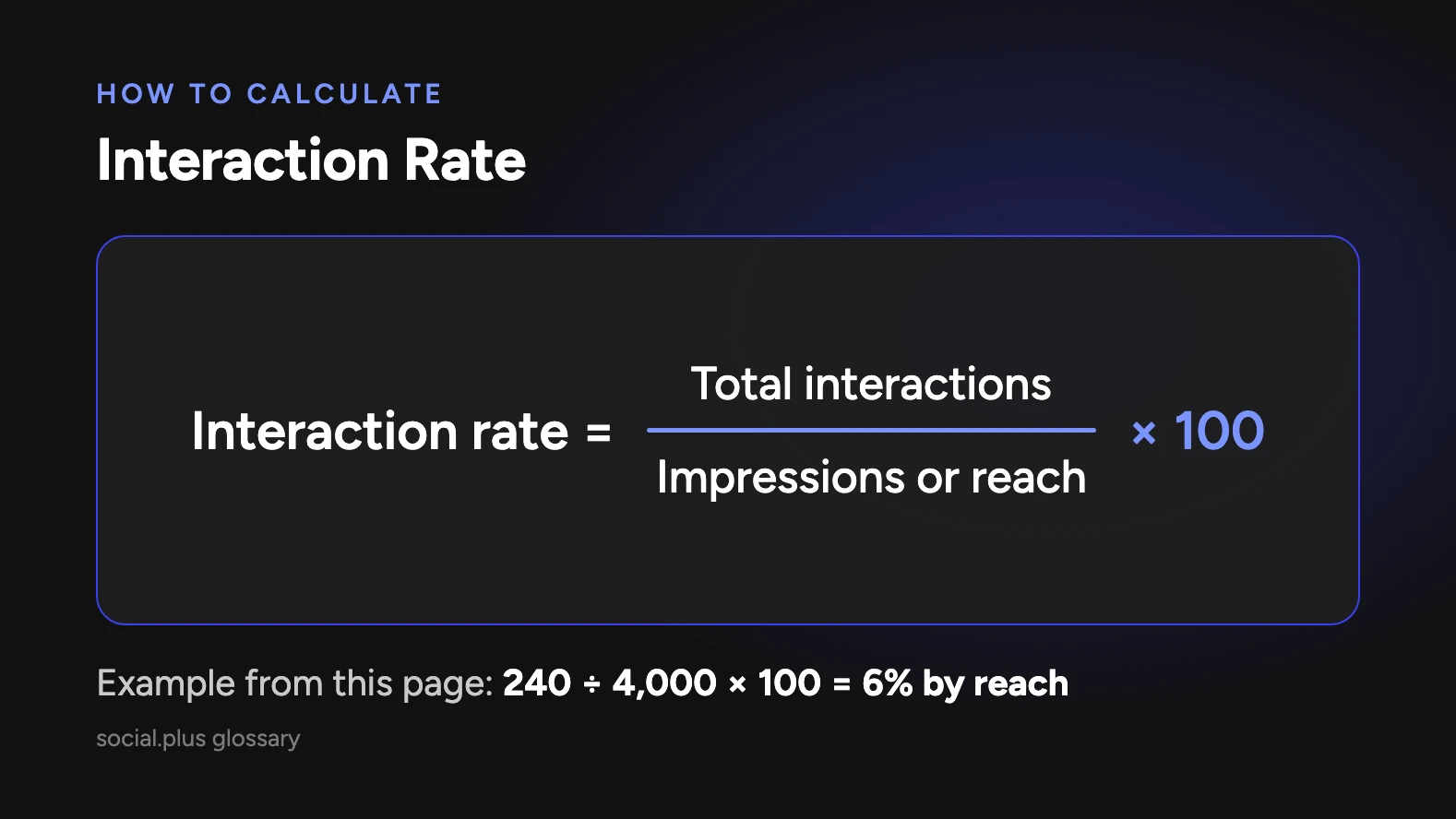
Worked example: a post in a running community is shown to 4,000 unique users. It receives 180 likes, 45 comments, and 15 shares, a total of 240 interactions. Interaction rate by reach is 240 / 4,000 x 100 = 6%. A second post reaches 12,000 users and gets 360 interactions, a rate of 3%. The second post has more total interactions, but the first one resonated twice as strongly with the people who saw it.
Teams often weight interactions differently, since a comment takes more effort than a like. A common approach is to report a raw rate for trend tracking and a weighted rate for ranking content quality.
Interaction Rate and social.plus
Interaction rate is one of the core signals brands use to judge whether the social features they add through social.plus are working. Because feeds, groups, chat, stories, and live streaming run inside the brand's own app, interactions across all of those surfaces are visible to the brand rather than locked inside a third-party platform. social.plus reports engagement rates of 20 to 50% across its customer base for apps that add social features, with 10 to 30% of users becoming active contributors. Those ranges are useful benchmarks when a team sets targets for interaction rate on its own feed content.
Key Takeaways
- Interaction rate is interactions divided by impressions or reach, expressed as a percentage.
- It measures how well content resonates with the people who saw it, independent of audience size.
- Choosing the denominator (impressions, reach, or followers) changes the number, so report it consistently.
- Brands on social.plus can measure interaction rate across feeds, groups, chat, and live content inside their own app.