Community Pre-Launch Checklist
Before launching your community, be sure to read this essential checklist. It's quick and easy to follow, ensuring that you've covered all the necessary steps and are fully prepared for a successful launch.
What's inside
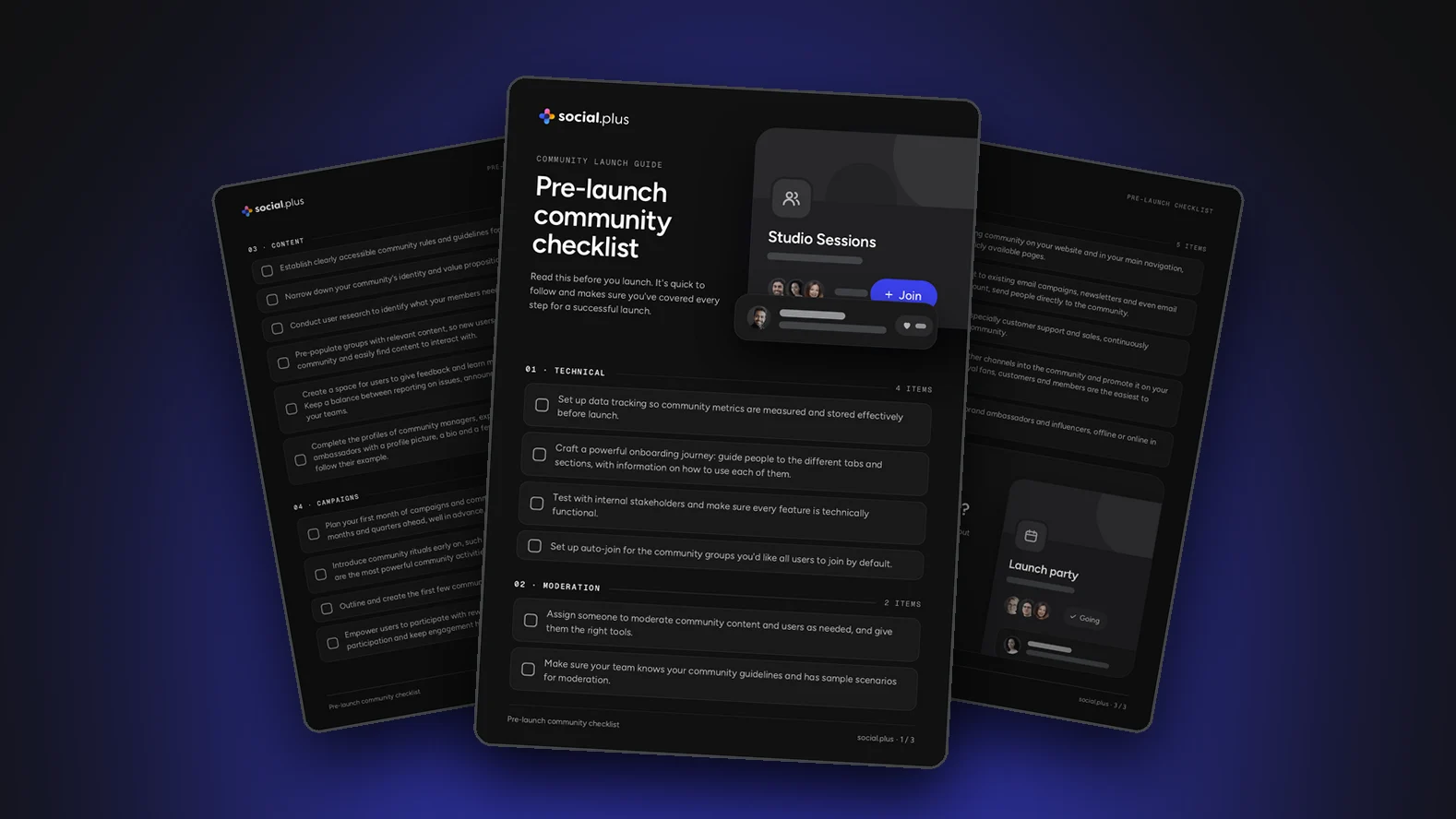
Community Pre-Launch Checklist
Read this before you launch. It's quick to follow and makes sure you've covered every step for a successful launch.
01 · Technical
- Set up data tracking so community metrics are measured and stored effectively before launch.
- Craft a powerful onboarding journey: guide people to the different tabs and sections, with information on how to use each of them.
- Test with internal stakeholders and make sure every feature is technically functional.
- Set up auto-join for the community groups you'd like all users to join by default.
02 · Moderation
- Assign someone to moderate community content and users as needed, and give them the right tools.
- Make sure your team knows your community guidelines and has sample scenarios for moderation.
03 · Content
- Establish clearly accessible community rules and guidelines for users.
- Narrow down your community's identity and value proposition.
- Conduct user research to identify what your members need.
- Pre-populate groups with relevant content, so new users don't join an empty community and easily find content to interact with.
- Create a space for users to give feedback and learn more about your community. Keep a balance between reporting on issues, announcements and sharing from your teams.
- Complete the profiles of community managers, experts and key brand ambassadors with a profile picture, a bio and a few posts, so newly joining users follow their example.
04 · Campaigns
- Plan your first month of campaigns and community activities. Do the same for the months and quarters ahead, well in advance.
- Introduce community rituals early on, such as regular community gatherings: they are the most powerful community activities.
- Outline and create the first few community challenges for users to interact with.
- Empower users to participate with rewards: reward mechanisms motivate participation and keep engagement high.
05 · Awareness
- Promote your upcoming community on your website and in your main navigation, including SEO for publicly available pages.
- Add community content to existing email campaigns, newsletters and even email signatures. To make it count, send people directly to the community.
- Make sure every team, especially customer support and sales, continuously onboards people to the community.
- Migrate users from your other channels into the community and promote it on your social media. Your most loyal fans, customers and members are the easiest to engage first.
- Plan a launch party for key brand ambassadors and influencers, offline or online in the community itself.
PDF checklist
Community Pre-Launch Checklist
Keep going
More from the Community Corner
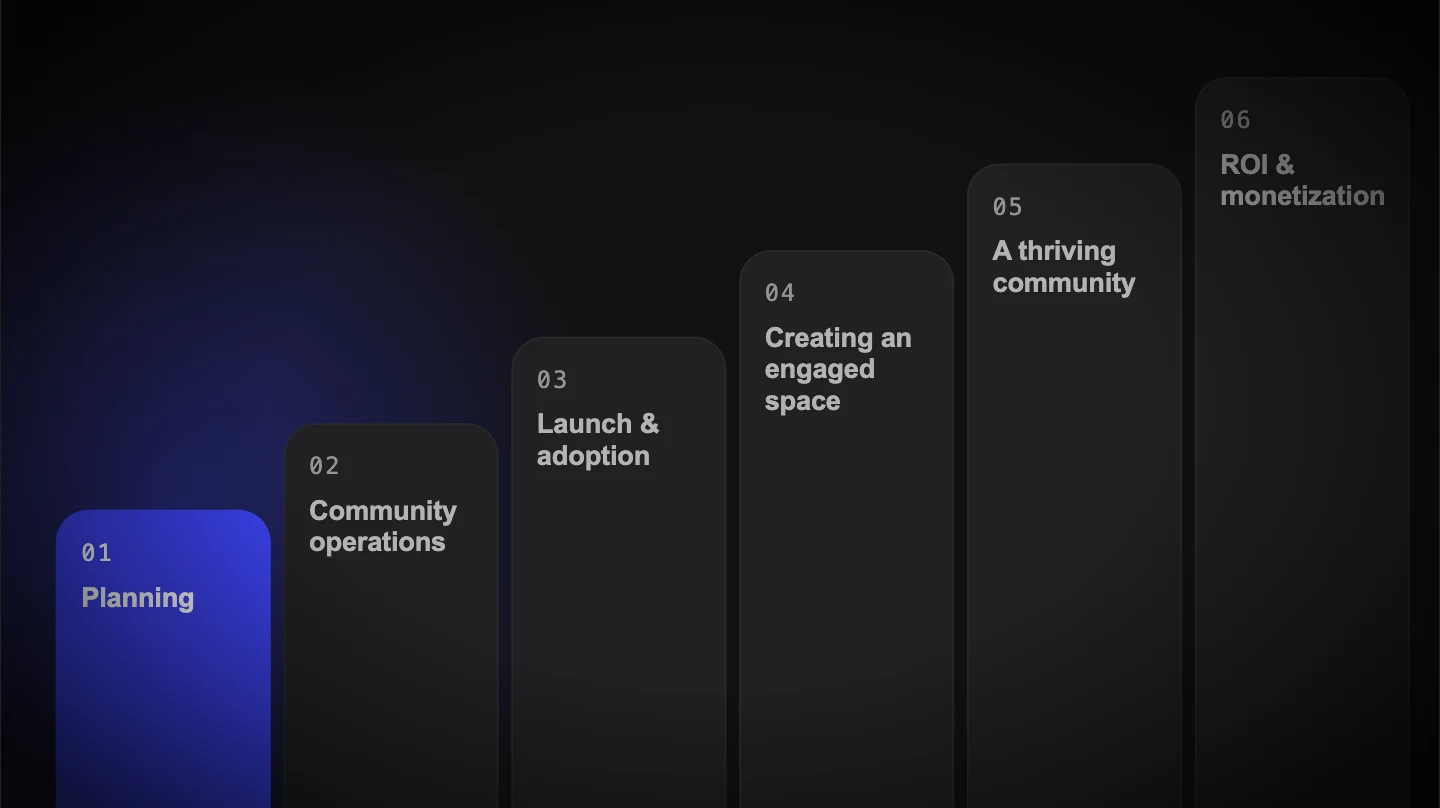
Free tools for every stage of the Community Building Framework, from planning to monetization.